New in DEXTools: Theme Presets Let You Restyle the Whole App
— By Tony Rabbit in News

You asked, we built it. DEXTools now supports theme presets: restyle the entire app from Settings and pick the look that feels most like home, including styles inspired by other popular trading platforms. Here is what changed and how to switch in three taps.
One of the most common requests we hear from the DEXTools community is a simple one: let me make the app feel like mine. Today we are answering it. Following your feedback, DEXTools now supports theme presets, a new way to restyle the entire app to match the look you like best. You can switch in a few taps from Settings, and the whole interface, from the charts to the panels to the accent colors, updates instantly.
What theme presets do
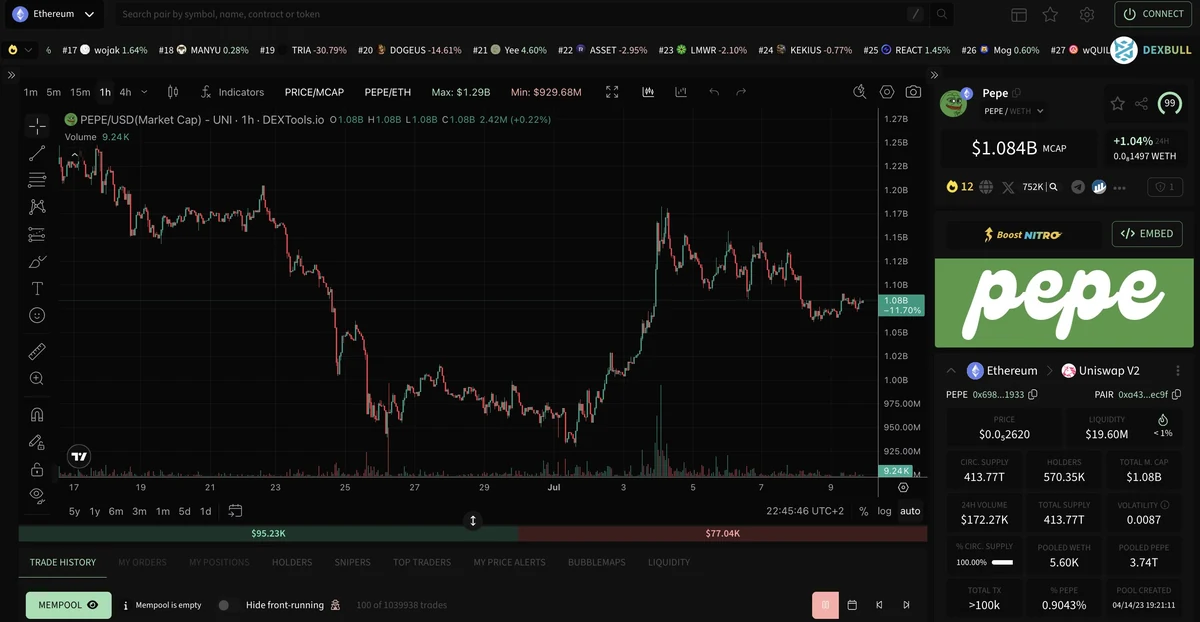
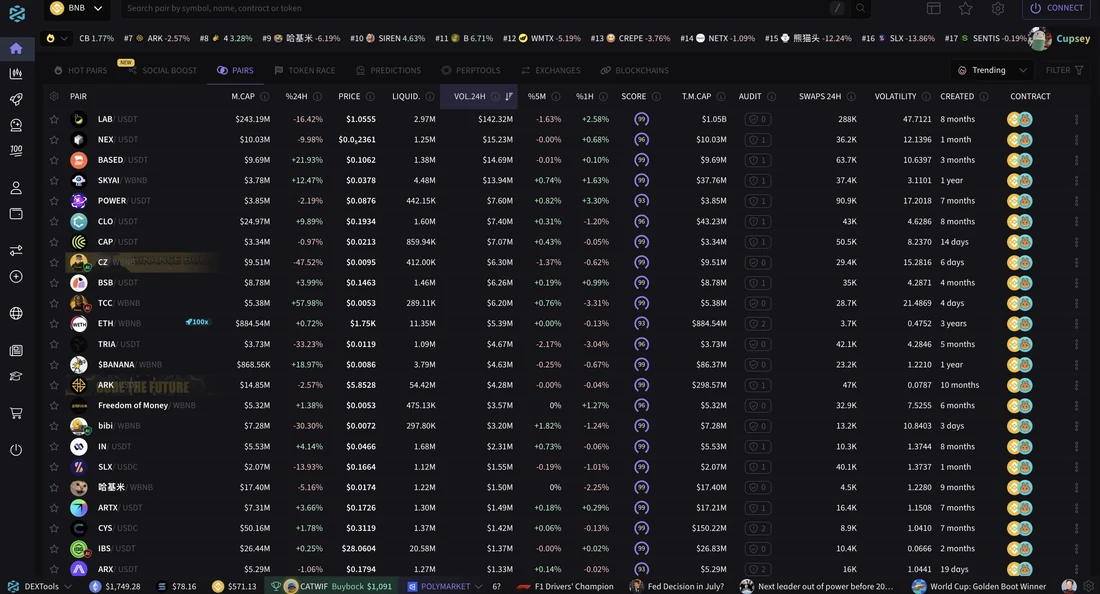
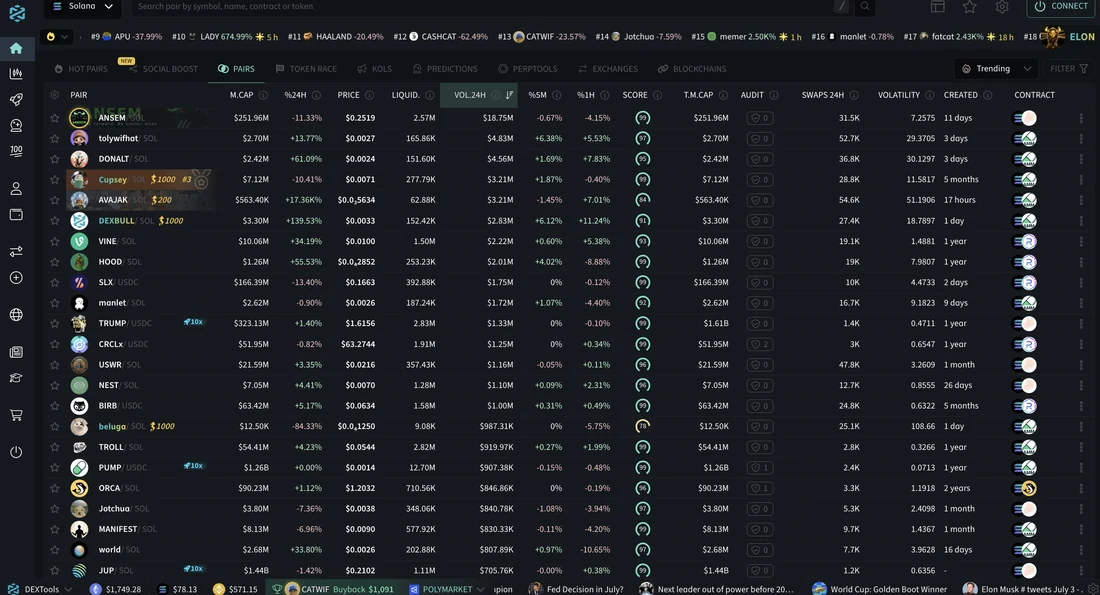
Until now, DEXTools gave you a clean light and dark mode, and that was it. Theme presets go much further. Each preset is a complete, coordinated look for the app: chart colors, backgrounds, highlights and the small visual details that make an interface feel a certain way, all changed together in one tap. Some of the presets are our own, and several are inspired by styles that will feel familiar to traders who also use other popular trading platforms, so you can bring the aesthetic you are most comfortable with into DEXTools instead of adjusting to a new one. It is the same powerful DEXTools underneath. It just looks the way you want it to.
How to switch your theme
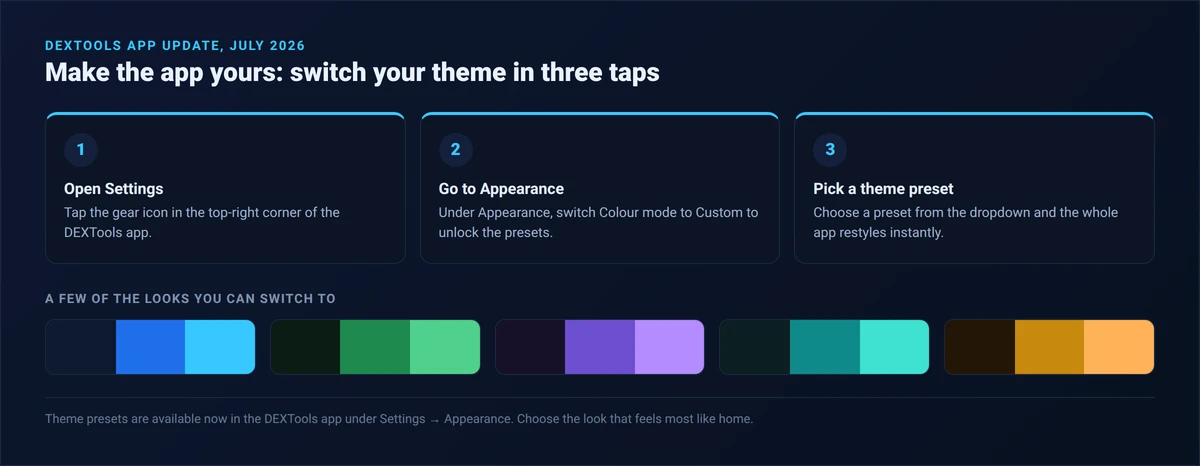
It takes three taps. Open Settings from the gear icon in the top-right corner, go to the Appearance section and switch Colour mode to Custom, then pick a theme preset from the dropdown. The app restyles the moment you choose, so you can try a few and keep whichever one feels right. You can change it as often as you like.
Why we built it
Traders spend hours a day inside their tools, and comfort matters. A familiar color scheme is easier on the eyes through a long session, and being able to match the visual style you already know makes moving between the apps you use feel seamless rather than jarring. This is about meeting you where you are: DEXTools should adapt to how you like to work, not the other way around. Theme presets are a first step in a broader push to make the app more personal, and more of what the community has been asking for.
Best of all, it is free and available to everyone right now. Nothing about your data, your charts or the on-chain information you rely on changes; this is purely about how the app looks and feels. Open DEXTools, head to Settings, and give your workspace a look that feels like home.
Theme presets are available now in the DEXTools app under Settings, in the Appearance section. They are a cosmetic personalization feature and do not change any data, pricing, on-chain information or functionality. Styles inspired by other platforms are provided for visual familiarity and personalization only and do not imply any affiliation, partnership or endorsement. We will keep shipping the improvements the community asks for.