MetaMask Complete Guide: Setup, Security and Tips
— By AliceOnChain in Tutorials
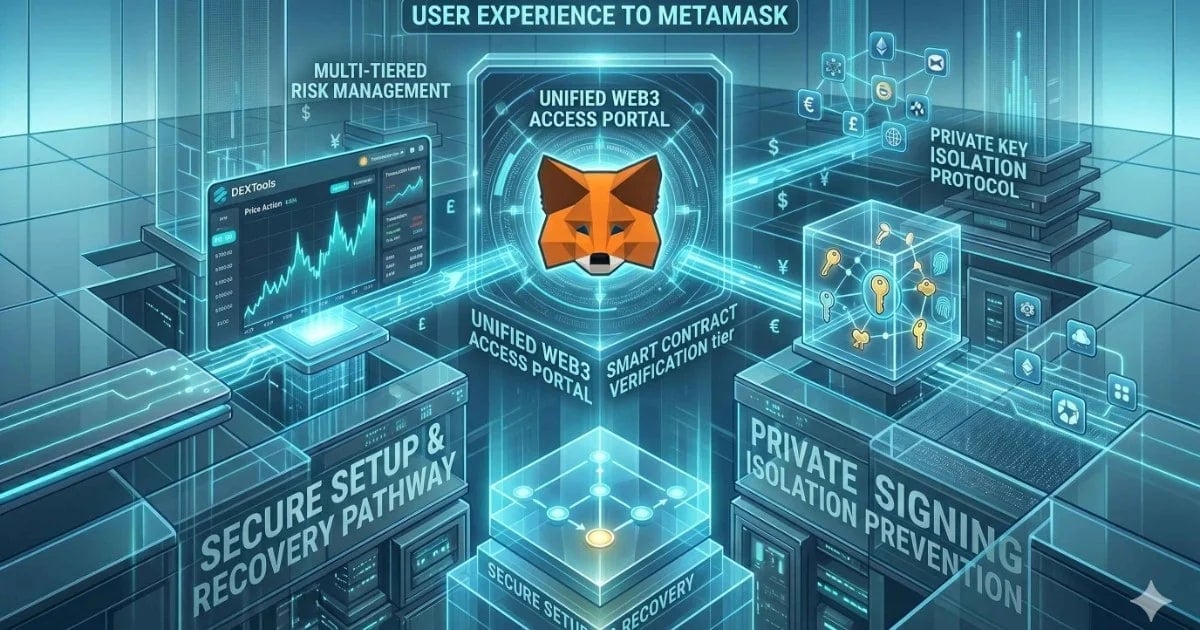
A crypto wallet is not just for holding assets; it is your identity and primary defense on the blockchain. This comprehensive MetaMask Complete Guide breaks down the essential technical steps for secure setup, multi-tiered architecture, and the crucial anti-exploit tips needed to navigate DeFi with confidence. Learn how to isolate keys, verify contracts, and optimize your workflow.
MetaMask Complete Guide: Setup, Security and Tips
Navigating the decentralized web requires a secure gateway. That gateway is the Web3 wallet. More than just a digital storage application, your wallet manages the private keys that authorize every action you take on the blockchain, from swapping tokens to interacting with complex smart contracts. For the vast majority of participants in decentralized finance (DeFi), MetaMask is that primary gateway.
Understanding MetaMask is not optional; it is fundamental. A successful setup, backed by advanced security protocols, is the bedrock of robust crypto risk management. Failing to secure this entry point exposes your entire portfolio to malware, phishing, and the devastating consequences of malicious contract signatures.
This MetaMask Complete Guide provides a technical deep-dive into establishing a flawless foundation, scaling your security architecture to include physical hardware, and implementing the crucial operational tips used by expert on-chain analysts on DEXTools.
What is MetaMask and How it Functions
MetaMask is a non-custodial software cryptocurrency wallet. Non-custodial means you, and only you, hold the seed phrase and private keys. MetaMask does not store this critical data on any server; it encrypts it locally on your device (browser or mobile).
Its core function is communication. When you use DEXTools to swap an asset, MetaMask serves as the secure interface between the dApp's front-end and the smart contract on the blockchain. The dApp requests permission to interact with your assets, and MetaMask displays that request, allowing you to sign the transaction, thereby executing the code on-chain.
It is critical to distinguish between the public address (your 'checking account' number) and the private key (the signature that controls the funds). MetaMask generates both from a single, master list of 12-24 random words, known as the Seed Phrase or Secret Recovery Phrase. Protecting this phrase is paramount.
Phase 1: The Secure MetaMask Setup
The foundation of a safe DeFi experience begins with the installation process.
1. Download and Verification
The most significant vulnerability during setup is downloading a fake application or browser extension designed to steal your seed phrase. Always navigate directly to the official MetaMask website. Do not rely on search engine results, as malicious paid advertisements often mimic legitimate sites. Verify the download link and ensure the extension's reputation (e.g., millions of downloads, verified publisher) before proceeding.
2. Creating a New Wallet and the Seed Phrase
When you click 'Create a New Wallet,' MetaMask will prompt you to set a local password. This password only unlocks the application on that specific device and does not protect your funds if the device is lost or compromised.
Next, you will be shown your Secret Recovery Phrase. Treat this moment with extreme caution.
Operational Rule: Never store your 12-24 words digitally. Do not save them in a text file, take a screenshot, email them to yourself, or store them in cloud services. Any digital copy is susceptible to local malware (like keyloggers or info-sec drainers).
Security Best Practice: Write the phrase legibly on physical paper or, preferably, engrave it onto specialized metal plates. Store these physical copies in secure, fireproof, and diverse geographic locations.
MetaMask will ask you to confirm the phrase in order. This verification is crucial, ensuring you possess an accurate copy. If you fail to back up the phrase and lose access to your device, your assets are unrecoverable.
3. Importing an Existing Wallet
If you already possess a secure seed phrase (perhaps generated by a different wallet application or a hardware device), you can select 'Import an Existing Wallet.' This will prompt you to input the recovery phrase. This step should only be executed on a device you trust and confirm is free of malware.
Phase 2: Building a Multi-Tiered Security Architecture
A single software hot wallet is a single point of failure. Sophisticated on-chain analysts use a tiered approach, which is vital for effective crypto risk management.
The Problem with Standalone Hot Wallets
A software-only MetaMask is, by definition, a hot wallet. Your private keys exist in your browser's local memory. If a hacker compromises your computer with malware, they can extract those keys and drain your funds. While convenient for quick trades, this setup is inadequate for long-term storage or high-value positions.
The Hybrid Solution: Integrating Hardware Wallets
To eliminate this remote vulnerability, you must introduce an air-gap or a physical security element. MetaMask allows you to integrate a cold wallet, specifically a hardware device (e.g., Ledger, Trezor). This is a foundational step emphasized in any comprehensive DeFi wallet security discussion.
Private Key Isolation: When you select 'Connect Hardware Wallet' in MetaMask, the extension only imports the public addresses (the view-only balance). The private keys never leave the physical device.
Mandatory Physical Approval: Every transaction-even connecting to a new dApp-requires physical interaction with the hardware device (pressing buttons, scanning a QR code). Remote malware cannot press physical buttons.
This creates a hybrid setup where you enjoy the MetaMask interface on DEXTools but benefit from the underlying security of a hardware device.
Phase 3: Critical Security Tips for Defeating On-Chain Threats
Setting up the wallet and a hardware layer is only half the battle. Your behavior and awareness are equally critical in protecting your assets from exploitative smart contracts and phishing.
1. The Danger of Phishing and Frontend Spoofing
The most sophisticated hardware wallet cannot protect you if you connect to a fake dApp and sign a malicious transaction. Attackers often deploy identical-looking frontends for popular protocols. Always double-check URLs before interacting. If you receive an unsolicited direct message or see a "must-act-now" opportunity, be suspicious. Scammers count on urgency and lack of due diligence.
2. Smart Contract Exploits: The "Approval" Trap
When interacting with a new DeFi protocol, the first transaction is often an 'Approve' or 'Revoke' transaction. This grants the protocol's smart contract permission to spend a specific token from your wallet up to a certain limit.
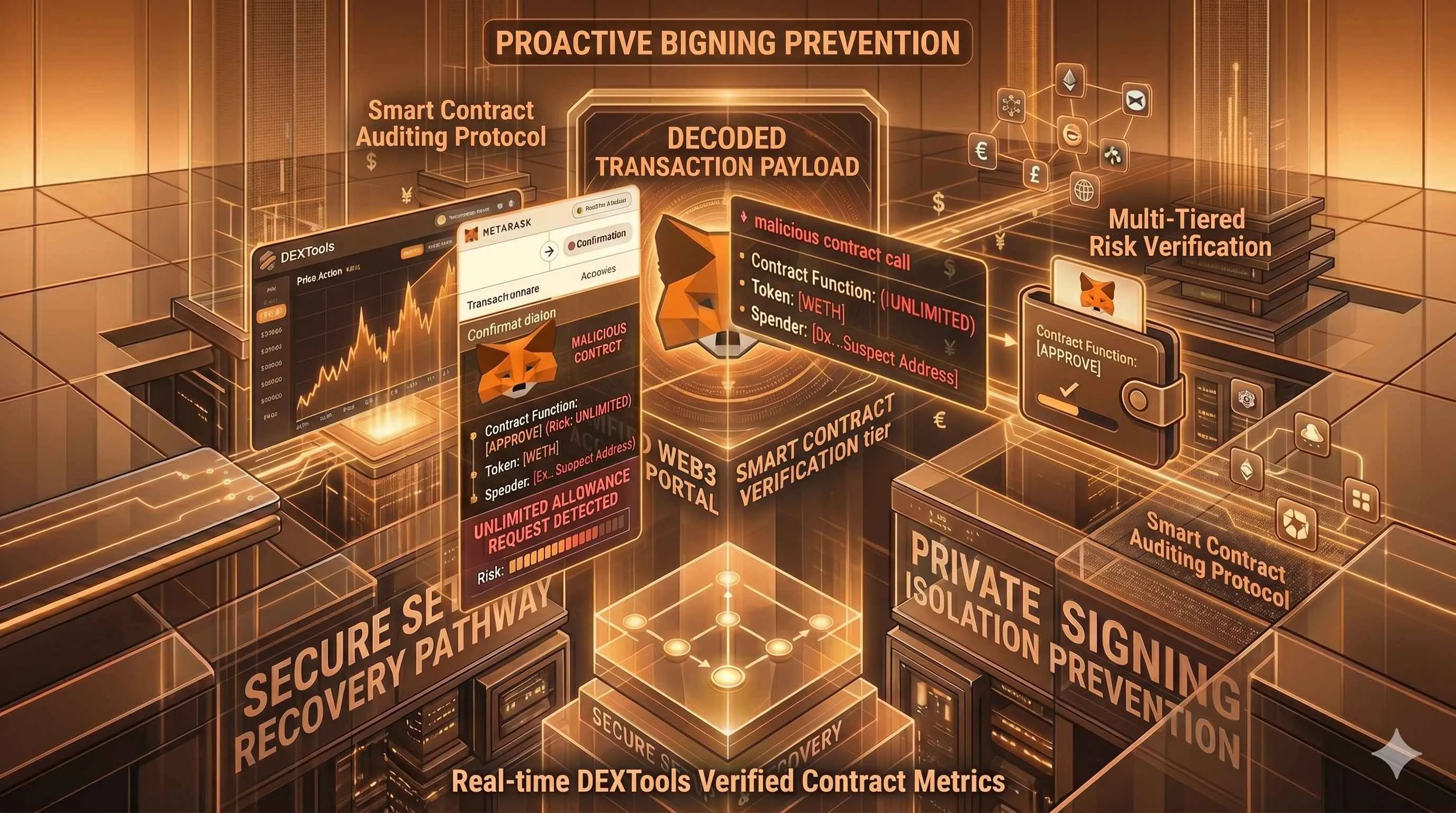
Malicious Approvals: A malicious smart contract may trick you into approving an 'Unlimited Allowance' to spend all of a specific asset. This is a primary mechanism behind contract-based draining exploits.
Tip: Never sign an 'Unlimited' allowance for an unaudited or experimental contract. MetaMask now allows you to set a custom limit. Always input a limit that matches the exact transaction amount you intend to use.
3. Monitoring Your Wallet Permissions
Over time, you will accumulate dozens of active token allowances across various protocols. This exposure persists even after you have finished trading. Sophisticated analysts regularly conduct allowance audits using integrated tools or blockchain explorers.
operational Rule: Periodically review and revoke any unnecessary allowances. Revoking permissions costs a small amount of gas but ensures that if a previously used protocol suffers an exploit, your wallet cannot be drained through that old, forgotten approval.
Operational Workflow and Optimization for DEXTools
Integrating MetaMask seamlessly into your DEXTools workflow ensures you can react quickly to market conditions while maintaining safety.
1. Optimizing Gas Fees
Defi transactions require gas (network fees). MetaMask allows you to set custom gas prices. Before executing a time-sensitive swap during periods of high congestion, use integrated gas trackers to determine the 'Aggressive' priority fee needed to guarantee your transaction is confirmed in the next block.
2. Network Management (RPCs)
MetaMask can connect to any Ethereum Virtual Machine (EVM) compatible chain (e.g., BSC, Polygon, Avalanche). If the default public RPC (Remote Procedure Call) endpoint is congested and causing transaction delays, expert users add custom, high-performance private RPCs. This ensures rapid transaction broadcasting, giving you a velocity advantage when competing for liquidity on DEXTools live pools.
3. Portfolio Visibility and Tracking on DEXTools
While MetaMask provides a basic token view, it struggles to display complex DeFi positions (e.g., liquidity provider tokens, staked assets). This is where DEXTools excels. By using the DEXTools Pair Explorer or dedicated portfolio views, you gain real-time visibility into the current market value of your assets. DEXTools aggregates on-chain data to show your portfolio distribution, recent performance, and whale distribution data, complementing the MetaMask experience. Before executing any major swap in MetaMask, analyzing the token's distribution and verified contract status on DEXTools is a critical step to avoid copycat pools or honeypot contracts.
Conclusion: Tailoring Security to Your Profile
The definitive lesson of this MetaMask Complete Guide is that your security posture must scale with your portfolio value. For beginners managing small, educational amounts of capital, a basic software setup, backed by strict seed phrase protection and a burner hot wallet strategy, may suffice. However, as your net worth on-chain grows, the addition of a hardware wallet and the implementation of proactive contract audits become mandatory components of a world-class DeFi wallet security framework.
By combining the unparalleled on-chain data analytics of DEXTools with a multi-tiered, hardware-integrated MetaMask, you establish a resilient foundation. A secure entry point ensures you are interacting with legitimate pools, tracking genuine liquidity, and protecting your crypto capital as you navigate the complexities of decentralized finance.
How to Bridge Crypto Between Chains: Complete Cross-Chain Tutorial 2026 How to Use 1inch for Swaps: Classic, Fusion and Limit Orders (2026) How to Use OKX Web3 Wallet: Multi-Chain DeFi Hub Guide (2026)Related Guides
- Crypto Wallet Security: 12 Safety Rules (2026)
- Use DEXTools Like a Pro: Expert Tips
- What Is Infura: Web3 APIs, IPFS Access and MetaMask Infrastructure (2026)
- What Is Chainlist: Chain IDs, RPC URLs and EVM Network Setup (2026)
- Nonce Error in Crypto: Complete Fix Guide for MetaMask & Bitcoin (2026)
Frequently Asked Questions
How do I set up a MetaMask wallet safely?
Download MetaMask only from its official website or app store, create a wallet, and write down your recovery phrase offline where no one else can see it. Never enter that phrase into any website or share it with anyone.
What is a seed phrase and why is it important?
A seed phrase, also called a recovery phrase, is the master backup that can restore your wallet and all its accounts. Anyone who obtains it can take full control of your funds, so it must be kept private and offline.
How can I keep my MetaMask wallet secure?
Use a strong password, keep your recovery phrase offline, and consider pairing MetaMask with a hardware wallet for larger balances. Verify every transaction and revoke token approvals you no longer need.
What should I do if I connected MetaMask to a scam site?
Move your funds to a new wallet if you suspect compromise, and review and revoke any token approvals granted to the suspicious site. Going forward, only connect to dApps you trust and double check the website address.