Storm Trade Tutorial: TON Perpetuals Guide 2026
— By Tony Rabbit in Tutorials
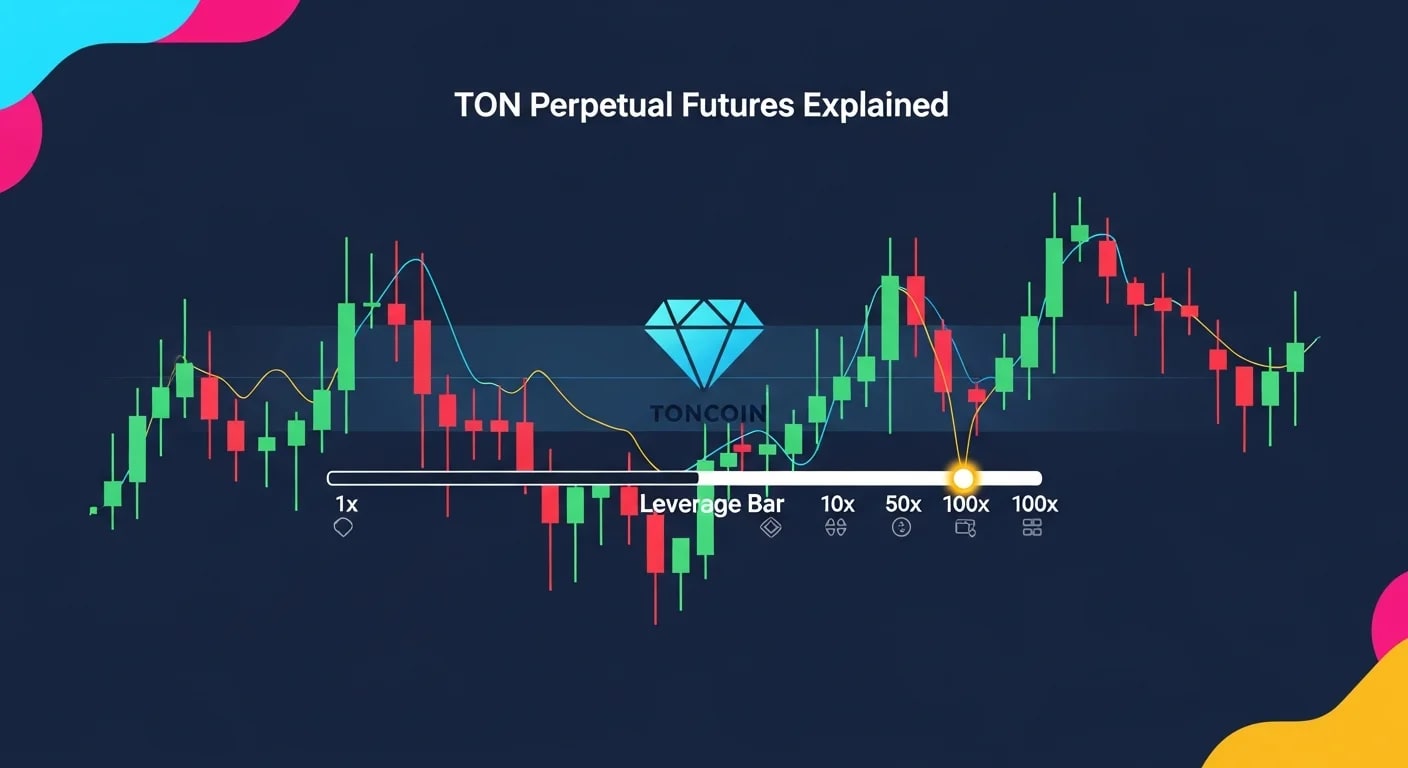
Storm Trade tutorial for TON perpetuals: learn to open leveraged positions, read funding rates, manage liquidation risk, and trade perps step by step.
Storm Trade is the leading TON-native perpetuals exchange. It brought leveraged trading directly to TON, with crypto, forex, and commodity pairs on the same venue. For TON users who previously had to bridge to Solana or Arbitrum to trade perps, Storm collapsed that round trip into a single TON Connect approval. The flow is familiar to any perp trader, but the TON wallet integration and asynchronous funding mechanics are worth learning.
Quick answer: Storm Trade is a perpetual futures DEX on TON. Users post TON or USDT-TON as collateral, open long or short positions with leverage, pay or receive funding payments based on the funding rate, and close positions at market price. Liquidation happens automatically when margin runs out. The same risks as any leveraged perpetual market apply: high leverage amplifies both gains and losses, funding rates can drag returns, and slippage on entry and exit can be material.
- Perpetual futures, not options. No expiration, with funding payments keeping price tied to spot.
- Margin in TON or USDT-TON. Both work as collateral for most pairs.
- Leverage amplifies risk. The same move that doubles your money can liquidate you faster.
- Funding rate matters. Long-term holders pay or receive based on imbalance.
- Liquidation is automatic. Once margin ratio drops below the threshold, the position is closed by the protocol.
What perpetual futures actually are
A perpetual future is a derivative contract that tracks the price of an underlying asset without expiring. Traders post a fraction of the position size as margin and use leverage to control a larger notional. As long as the margin holds, the position stays open. When the price moves against the trader far enough that margin is consumed, the position is liquidated.
Trade TON with Not.Trade, the fastest terminal on TON
Not.Trade is purpose built for TON traders: real-time on-chain charts for every jetton, insider safety scoring (Top 10 wallets, snipers, dev movement, bundlers, LP lock), MCAP-trigger limit orders, multi-wallet sniping, MEV protection and one-click swaps routed across STON.fi and DeDust. It runs natively inside Telegram and as a fast web terminal, with TON Connect non-custodial wallet support.
Read the full Not.Trade guide →Long vs short
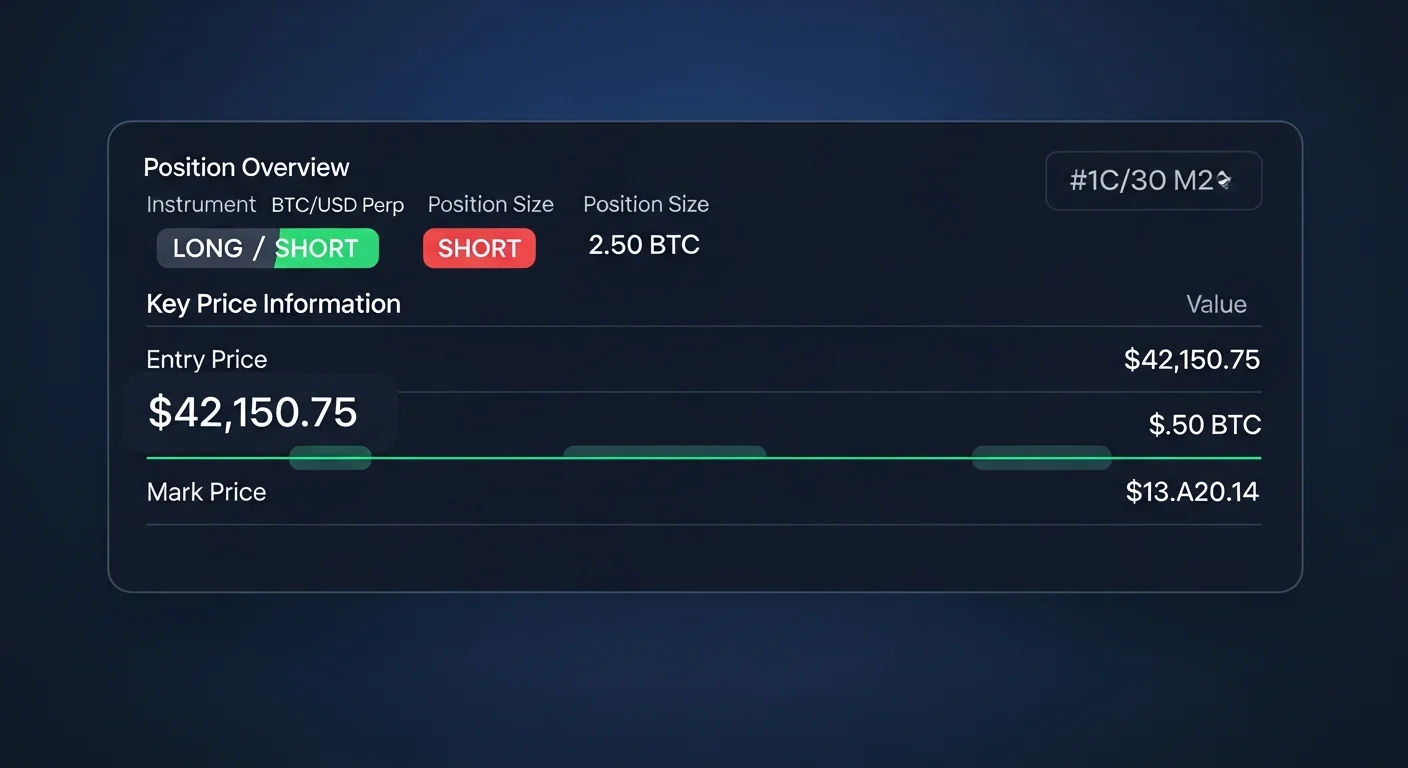
A long position profits when price rises. A short position profits when price falls. Either side can be opened with leverage. Storm Trade supports both, with the same margin and liquidation mechanics applying symmetrically.
Funding rate
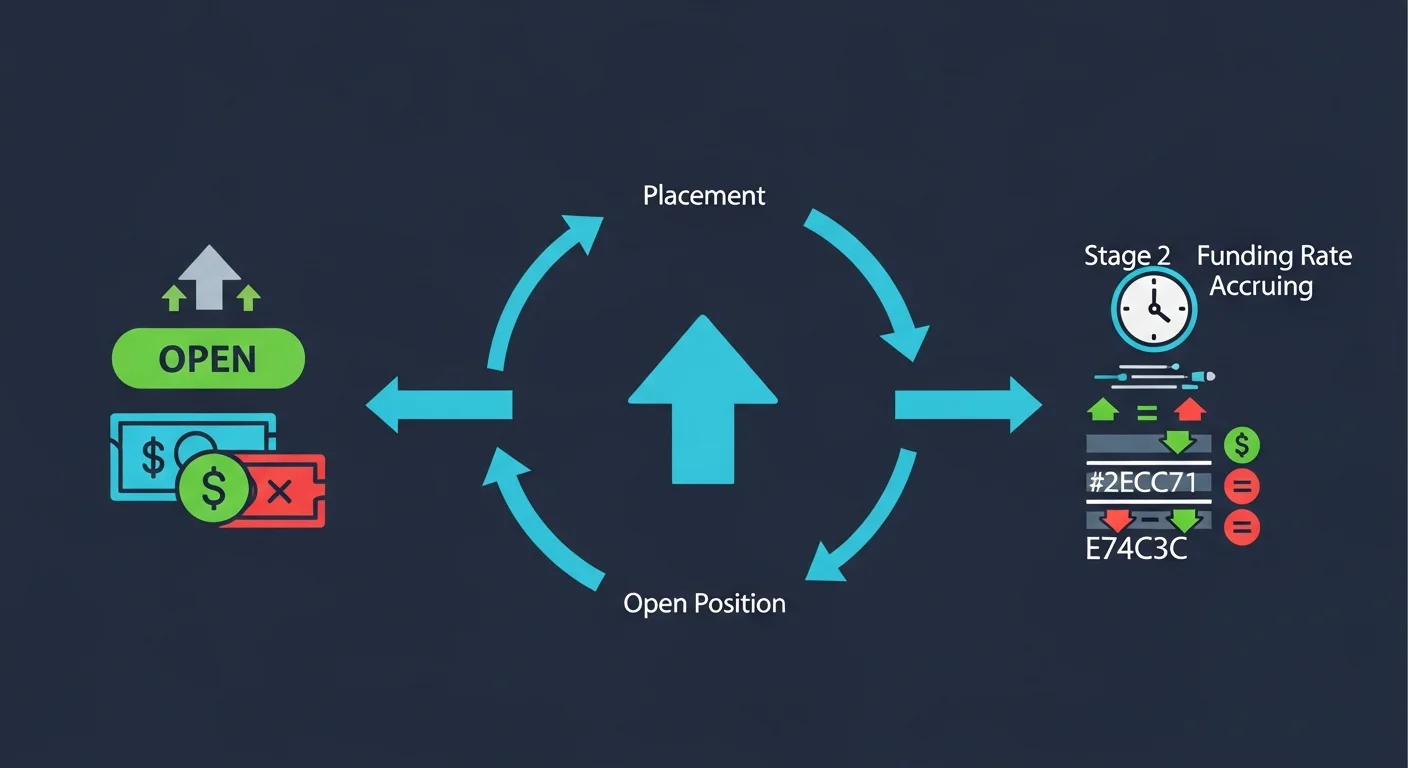
Because perpetuals do not expire, the protocol uses funding payments to keep contract price close to spot. When more longs than shorts are open, longs pay shorts a small periodic funding payment. When the imbalance flips, shorts pay longs. The rate updates frequently and shows on the trading interface.
How to trade on Storm Trade
The flow is similar to other perp DEXs, with the TON wallet integration as the main UX difference.
Step 1: connect a TON wallet
Open Storm Trade and connect Tonkeeper or another TON Connect wallet. Verify the domain on the wallet's prompt.
Step 2: deposit collateral
Deposit TON or USDT-TON into the trading account. The collateral funds the margin available for new positions. The deposit is non-custodial in the sense that the contract holds the position, but the funds remain yours pending liquidation or close.
Step 3: pick the pair and side
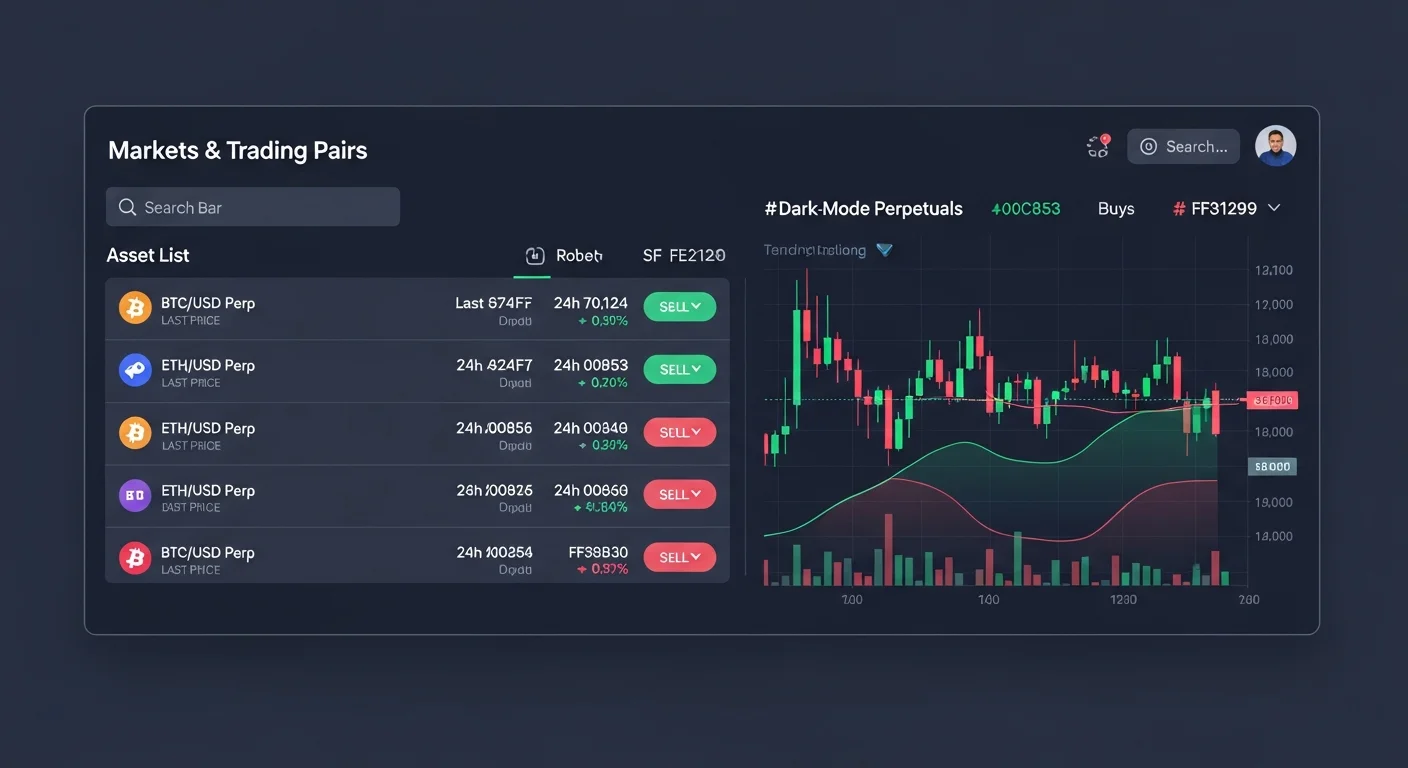
Select the perpetual market (BTC, ETH, TON, and others, depending on what Storm Trade lists at the time). Choose long or short. Set the leverage with the slider; lower leverage means more margin per unit of notional, less risk of liquidation.
Step 4: review and submit
Review the position size, entry price, leverage, liquidation price, and funding rate. The interface usually shows the liquidation price up front. Submit and confirm in your wallet. The position opens.
Step 5: monitor and close
Once open, monitor the margin ratio, funding payments, and unrealized PnL. Close manually at any time, or set take-profit and stop-loss orders. Otherwise the position stays open until liquidation or until you close.
Risks and how to manage them
Perpetuals are a high-risk product. Storm Trade is well built, but the risks are inherent to the asset class.
Liquidation risk
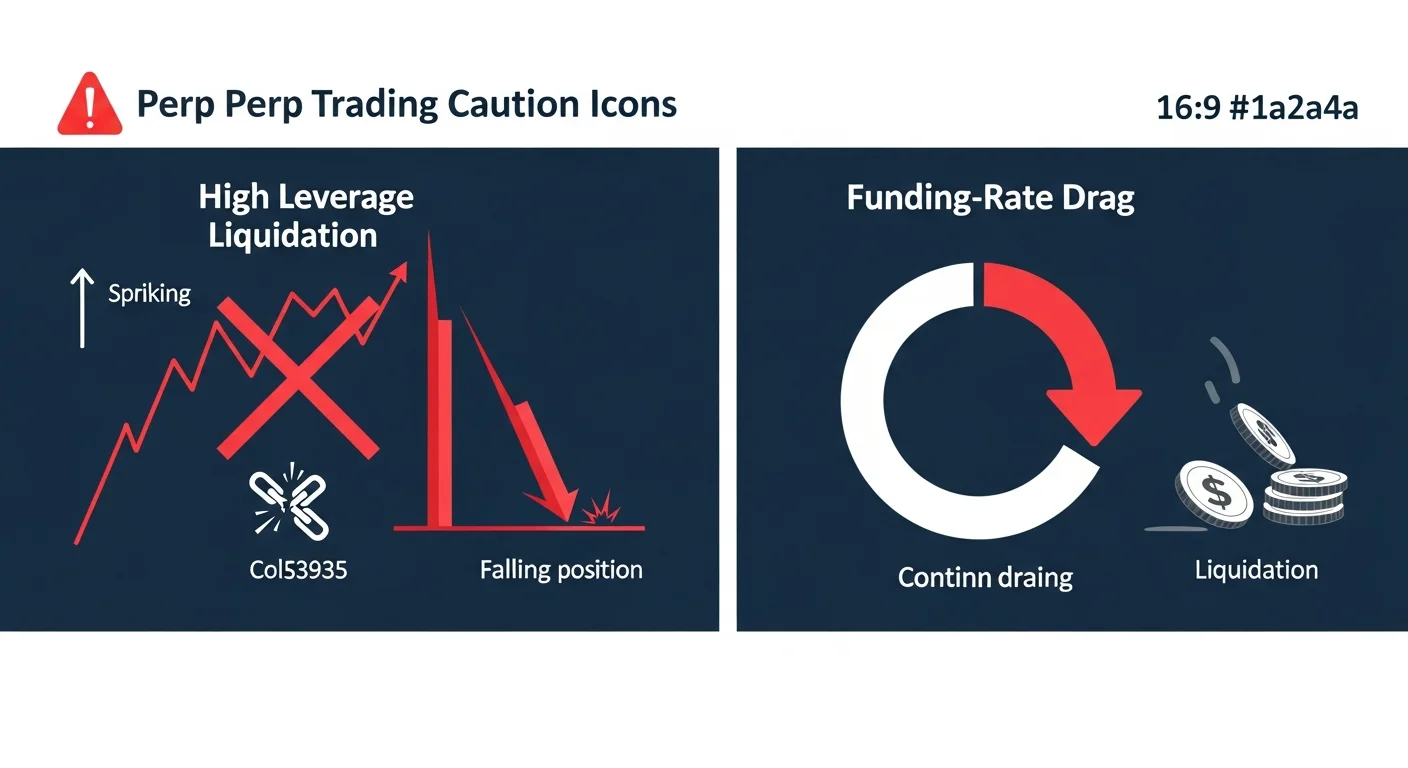
The single biggest risk. Higher leverage means a smaller adverse move triggers liquidation. The mitigation is to use lower leverage, set conservative position sizes, and watch the margin ratio actively.
Funding-rate drag
If you are on the popular side of the market (longs in a bull market), you may pay funding continuously. Over weeks, this can eat a meaningful percentage of the position even before considering price movement.
Slippage on entry and exit
Big positions can move price meaningfully against you when entering or exiting. Limit orders help; market orders can fill far from the displayed price during volatile periods.
Smart contract risk
Storm Trade's contracts are audited, but as with any DeFi, smart contract risk is non-zero. Do not park more capital than you can afford to lose to an exploit.
Position management essentials
The trade itself is one click. The post-entry management is where most PnL is made or lost.
Set a stop-loss before entering
Decide your maximum loss before opening the position. Set a hard stop. Most traders who skip this step end up holding losses far beyond their original plan.
Take partial profits
For directional trades, taking partial profits at predetermined levels reduces exposure while letting some position run. The math compounds: many small wins beat occasional huge wins on average.
Watch funding cumulatively
Funding rates that look small per period (0.01 percent every eight hours) add up over days. For longer holding periods, funding can move the breakeven by several percent.
Trader profiles
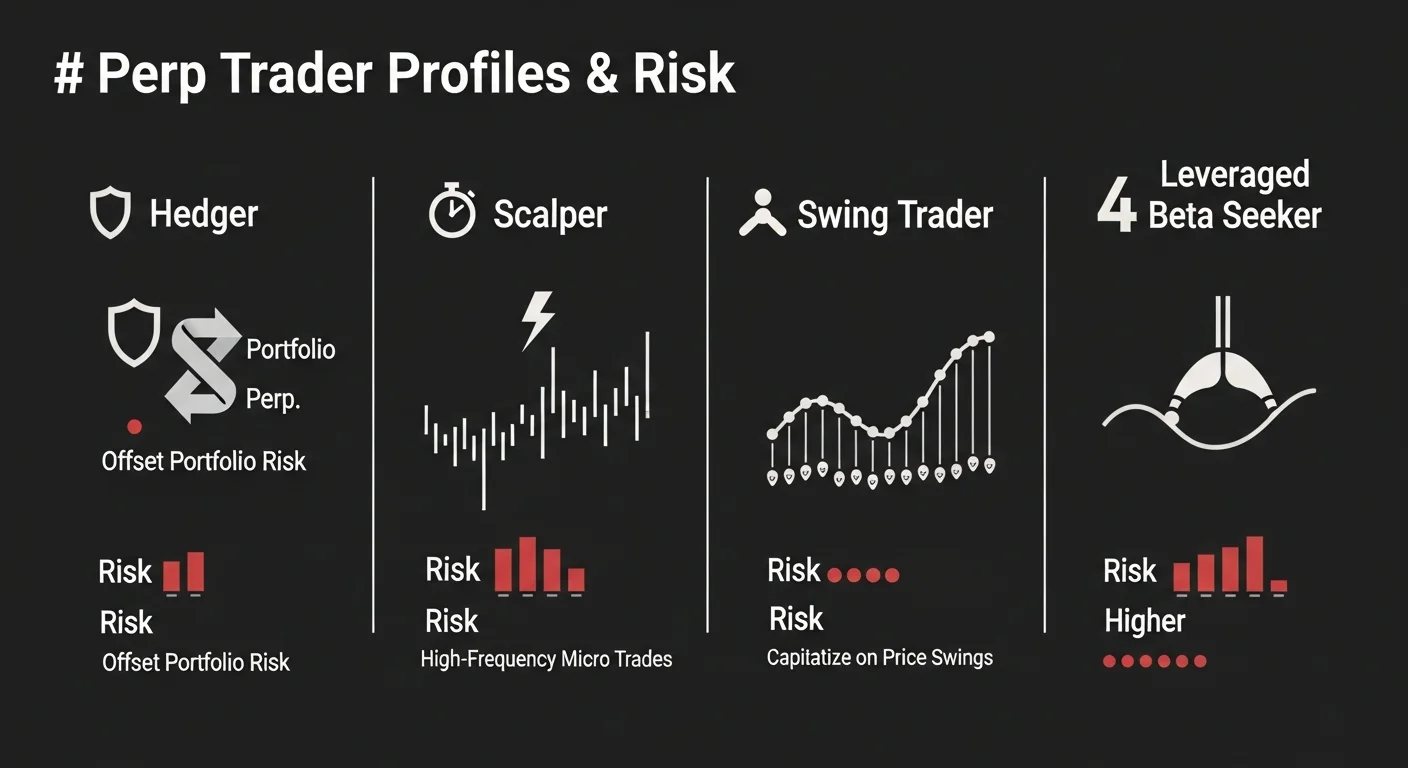
| Profile | Typical leverage | Hold time |
|---|---|---|
| Hedger | 1-3x | Days to weeks |
| Scalper | 3-10x | Minutes to hours |
| Swing trader | 2-5x | Days |
| Leveraged beta seeker | 5-20x | Hours to days |
Practical workflow
- Decide your max loss before entering. Stop-loss at that level, no exceptions.
- Use lower leverage than you think you need. 2-5x for most directional trades.
- Take partial profits at predetermined levels. Lock in gains in stages.
- Monitor funding rates. Especially for positions held more than a day.
- Close on plan, not on emotion. Hope is not a position management strategy.
Frequently asked questions
What is Storm Trade?
A perpetual futures DEX on TON, supporting crypto and other pairs with leverage and funding mechanics similar to mainstream perp protocols.
What collateral does Storm Trade accept?
TON and USDT-TON are the most common collateral choices, with details depending on the specific market.
What is the maximum leverage on Storm Trade?
It varies per market. Crypto markets often go up to 50x or 100x, while less volatile markets cap lower. Always check the per-market limit before sizing a trade.
Can I lose more than my collateral?
No. Liquidation enforces that losses are capped at the collateral posted. The protocol manages the closeout to prevent negative balances.
How is the funding rate calculated?
Funding rate is derived from the imbalance between long and short open interest. Heavily long markets pay shorts; heavily short markets pay longs.
Final takeaway: Storm Trade brings real leveraged trading directly into the TON ecosystem. Treat perps with the respect the asset class deserves: lower leverage than feels exciting, hard stops, partial profit-taking, and an eye on funding. The tools are there; risk discipline is the difference between traders who survive and traders who do not.
Disclaimer: This guide is for educational purposes only and does not constitute investment, financial, legal, or trading advice. Leveraged trading carries high risk of loss.
Related Guides
- Top 3 TON Trading Terminals 2026: Not.Trade vs STON.fi vs DeDust
- TON Terminal: Complete Guide to Not.Trade - The Fastest TON Trading App (2026)
- TON Memecoins Guide: Top Tokens and How to Trade Them (2026)
- Not.Trade vs Trojan: TON vs Solana Telegram Terminals 2026
- Not.Trade vs Photon: TON vs Solana Web Terminals 2026
Frequently Asked Questions
What is Storm Trade?
Storm Trade is a platform in the TON ecosystem for trading perpetual futures, often called perps. It lets users open leveraged long or short positions on supported markets.
What are perpetual futures in crypto?
Perpetual futures are derivative contracts that let you bet on an asset's price going up or down without an expiry date. They use a funding rate mechanism to keep the contract price aligned with the underlying market price.
How does leverage and liquidation work on perps?
Leverage lets you control a larger position with a smaller amount of collateral, which amplifies both gains and losses. If the price moves against you far enough, your position can be liquidated, meaning it is closed automatically and you can lose your collateral.
What is a funding rate in perpetuals trading?
A funding rate is a periodic payment exchanged between long and short traders to keep the perpetual price close to the spot price. Depending on its sign, either longs pay shorts or shorts pay longs, so it directly affects the cost of holding a position.