Tutorial WalletConnect: conexiones seguras a DApps (2026)
— By Tony Rabbit in Tutorials
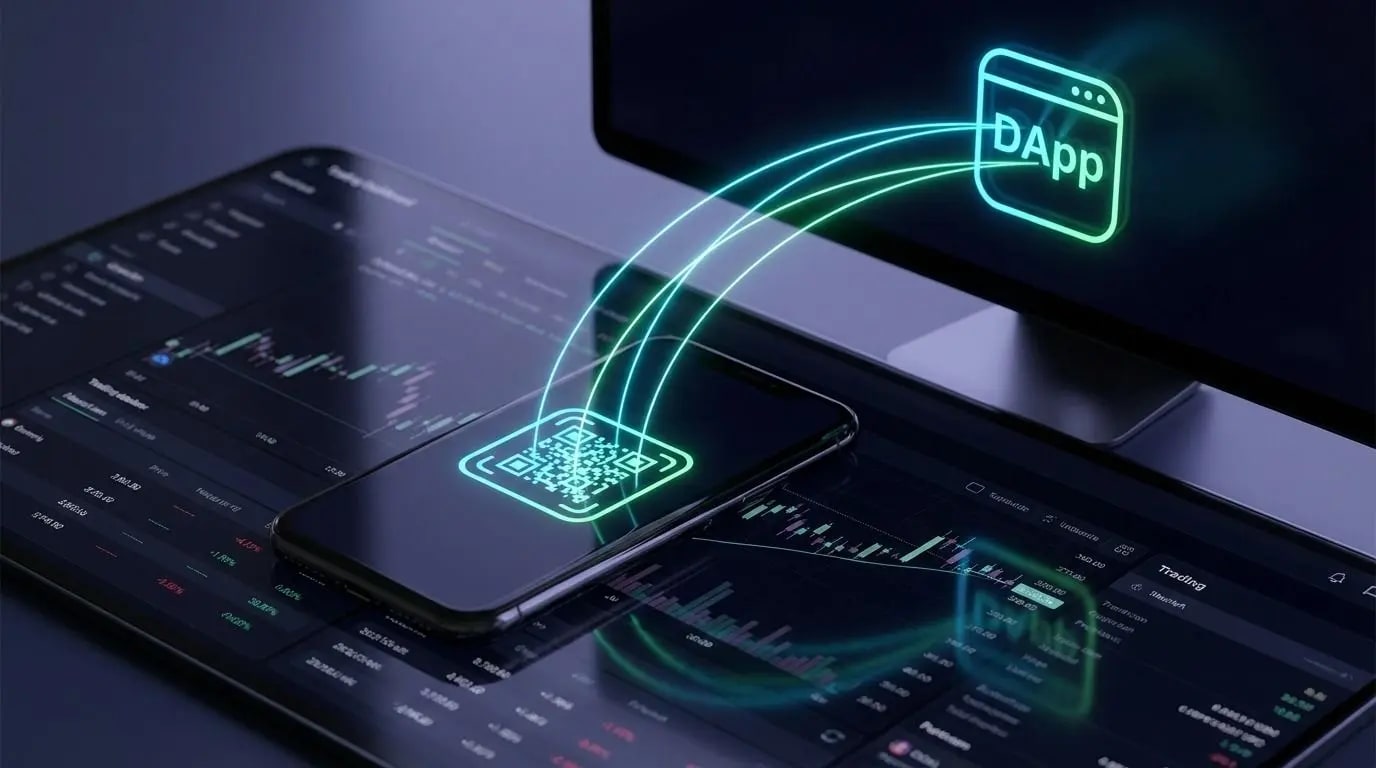
Aprende a usar WalletConnect para conectar tu wallet a DApps de forma segura.
WalletConnect is one of the most widely used standards for connecting a crypto wallet to a decentralized application. If you have ever scanned a QR code to connect MetaMask, Rabby, Phantom, or another wallet to a dApp, you have probably used WalletConnect without thinking much about it. In 2026, understanding how it works is not optional - it is basic wallet security.
What is WalletConnect?
WalletConnect is a connection layer that allows your wallet to talk to a dApp without exposing your private keys. The wallet stays in control of signing. The dApp sends requests. You review and approve or reject them. That is why WalletConnect became such a core part of the DeFi and on-chain trading experience.
If you are new to smart contracts, read our smart contract beginner guide first. And if you are comparing wallet options, this Coinbase vs. MetaMask guide is a useful companion piece.
How WalletConnect works in practice
- You open a dApp and choose Connect Wallet.
- The site offers WalletConnect as an option.
- You scan the QR code or approve the connection from your wallet app.
- The wallet establishes a session with the dApp.
- You approve only the transactions or signatures you actually want.
WalletConnect vs browser extension connection
How to use WalletConnect safely
- Check the URL before connecting.
- Use bookmarks for dApps you visit often.
- Read every approval and signature request.
- Disconnect old sessions you no longer use.
- Use a separate hot wallet for risky DeFi activity.
If your strategy includes active DeFi positions, you should also track your wallet exposure. Our DeBank tutorial and Zapper tutorial help with that.
Common WalletConnect mistakes
The biggest mistake is assuming that a familiar connection method means a trustworthy site. The second biggest mistake is signing messages without understanding whether they are just a login request or something that can authorize token spending, order execution, or delegated actions.
Another common mistake is leaving sessions open across multiple devices. That may not be catastrophic on its own, but it creates unnecessary surface area and confusion when you are moving quickly between dApps.
Should you use WalletConnect in 2026?
Yes - if you use it correctly. WalletConnect remains one of the most convenient and standard ways to connect wallets to dApps. The key is to treat it as a transport layer, not a security guarantee. Good connection hygiene, separate wallets for separate jobs, and careful approval review matter much more than the connection method itself.
FAQ
Is WalletConnect safe?
WalletConnect itself is a legitimate connection standard, but safety depends on the dApp you connect to and the requests you approve.
Does WalletConnect expose my private keys?
No. Your wallet stays in control of signing. Private keys are not shared with the dApp.
What is the biggest risk when using WalletConnect?
The main risk is approving malicious transactions or signatures on unsafe sites.