What Is a Transaction in Crypto? How It Works (2026)
— By Whatsertrade in Tutorials
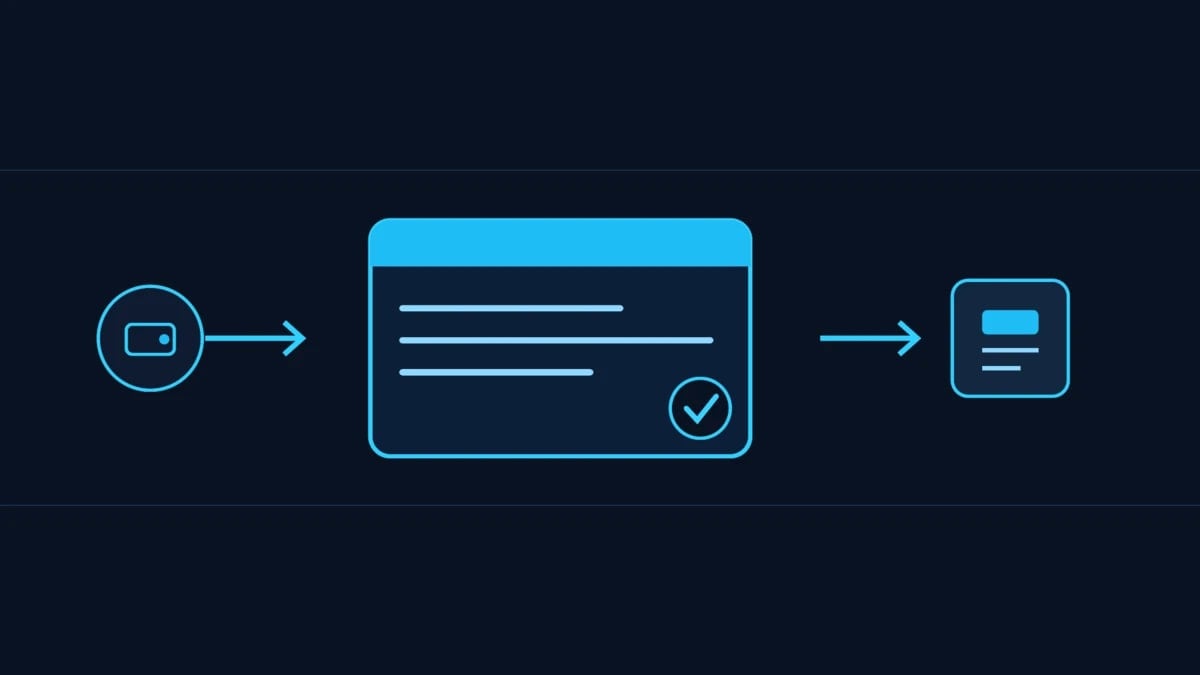
A crypto transaction is a signed instruction to change the chain. What is inside one, its journey from wallet to block, fees, status, and how to read it.
Intent check: This is the plain-English guide to what a crypto transaction is and how one travels from your wallet to the chain. For the unique code that identifies each one, read What Is a Transaction Hash (TXID).
Every single thing that happens on a blockchain, a transfer, a swap, a mint, an approval, is a transaction. It is the basic unit of action, the on-chain equivalent of a signed instruction saying do this. Yet most people use them constantly without ever seeing what a transaction actually contains or what happens to it after they hit confirm. Understanding that turns a scary wall of numbers into something you can read and check.
This guide explains what a transaction is, the fields inside one, the journey it takes from your wallet to a finished block, how fees and status work, and how to read a real transaction on an explorer.
What Is a Transaction?
A transaction is a signed instruction to change the state of a blockchain. That change might be moving coins from one address to another, or telling a smart contract to do something, like swapping tokens or granting an approval. Because it is signed with your private key, the network can verify it really came from you, and because it is recorded on-chain, it becomes a permanent part of history.
In short, if the blockchain is a shared ledger, a transaction is one authorised entry in it. Nothing changes on-chain without one.
What Is Inside a Transaction?
A transaction is more than just an amount. Its main fields are:
- From. The sender's address, proven by the signature.
- To. The recipient, which can be a person's wallet or a smart contract.
- Value. How much of the native coin is being sent, if any.
- Gas. What the sender is willing to pay for the work, the transaction's fee.
- Nonce. A counter of how many transactions the sender has made, which keeps them in order and stops the same one being replayed.
- Data. Optional instructions for a smart contract. A plain transfer leaves this empty, while a contract call fills it in.
- Signature. The cryptographic proof that the owner of the sending address authorised all of the above.
The Life of a Transaction
A transaction goes through a clear sequence:
- Create and sign. Your wallet builds the transaction and signs it with your private key. This is the step you approve when you click confirm.
- Broadcast. The signed transaction is sent out to the network.
- Wait in the mempool. It sits in a waiting area of pending transactions until a validator picks it up.
- Included in a block. A validator adds it to a new block, and it executes.
- Confirmed. As more blocks stack on top, the transaction becomes increasingly settled, a concept covered in Confirmation Depth.
Transaction Fees
Every transaction pays a fee, usually called gas, to compensate the network for processing it. A simple transfer is cheap, while a complex contract interaction costs more because it asks the network to do more work. When the network is busy, fees rise as people compete for space in the next block. The full breakdown is in What Are Gas Fees.
Transaction Status
- Pending. Broadcast but not yet included in a block.
- Success. Included and executed as intended.
- Failed. Included but reverted, for example because a condition was not met or gas ran out. Importantly, a failed transaction still costs gas, because the network did the work of trying.
How to Read a Transaction on an Explorer
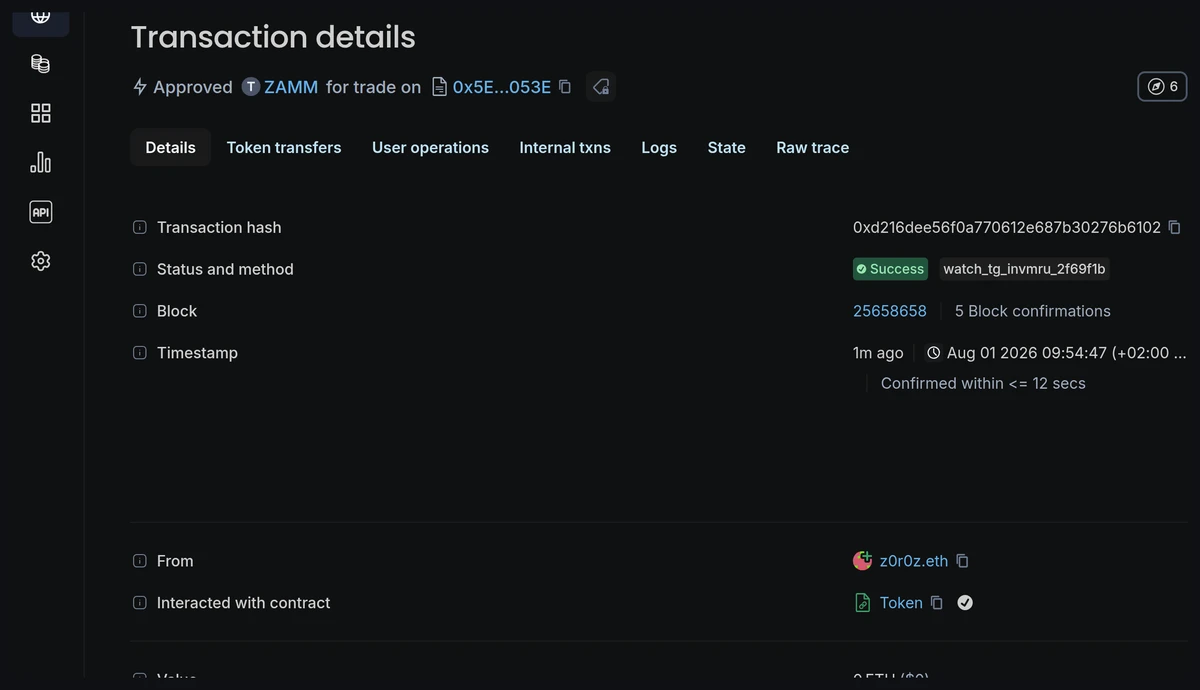
You can open any transaction on a block explorer using its hash. There you will see the sender and recipient, the value, the fee paid, the status, the block it landed in, and the number of confirmations. Reading transactions is one of the most useful on-chain skills, and it works hand in hand with checking exactly what you are about to sign, covered in How to Read a Wallet Signature Request. To get started with explorers, see What Is a Blockchain Explorer.
Key Takeaways
- A transaction is a signed instruction to change the blockchain's state, from a transfer to a contract call.
- Its fields include the sender, recipient, value, gas, nonce, optional data, and a signature.
- It travels from your wallet to a signature, then to the mempool, into a block, and gains confirmations.
- Every transaction pays a gas fee, and a failed transaction still costs gas.
- You can read any transaction on an explorer using its hash to check exactly what happened.
A transaction is the heartbeat of any blockchain. Each one is a small, signed, permanent instruction, and once you can read the fields inside it and follow its journey from your wallet into a block, the whole system stops feeling like magic and starts feeling like something you can verify for yourself.
This article is educational and is not financial advice.