How to Read a Failed Solana Transaction on Solscan

Dealing with a failed swap or failed execution on Solana? We unbundle the Solscan interface to help you locate and decode raw program log errors in seconds.
How to Read a Failed Solana Transaction on Solscan and Find the Error
- The hyper-velocity architecture of the Solana network has made it the primary engine for decentralized token speculation, liquid staking, and on-chain high-frequency trading. With sub-second block times and minimal transaction costs, the ecosystem processes hundreds of millions of smart contract interactions daily. However, operating within such a rapid, competitive environment introduces frequent operational bottlenecks. During periods of immense network activity, volatile memecoin rotations, or erratic oracle feeds, users are routinely confronted with the dreaded "Transaction Failed" alert inside their wallet extensions.
- Unlike monolithic legacy chains where a failing transaction is often rejected before being written to a block, Solana logs failed transactions directly onto its public ledger.
- While your wallet interface provides a generic warning notification, it rarely exposes why the transaction reverted. To diagnose the failure, prevent repetitive gas waste, and adjust your trading parameters, you must go directly to the ledger data. This comprehensive guide delivers the exact technical steps required to read a failed Solana transaction on Solscan and locate the underlying program error code.
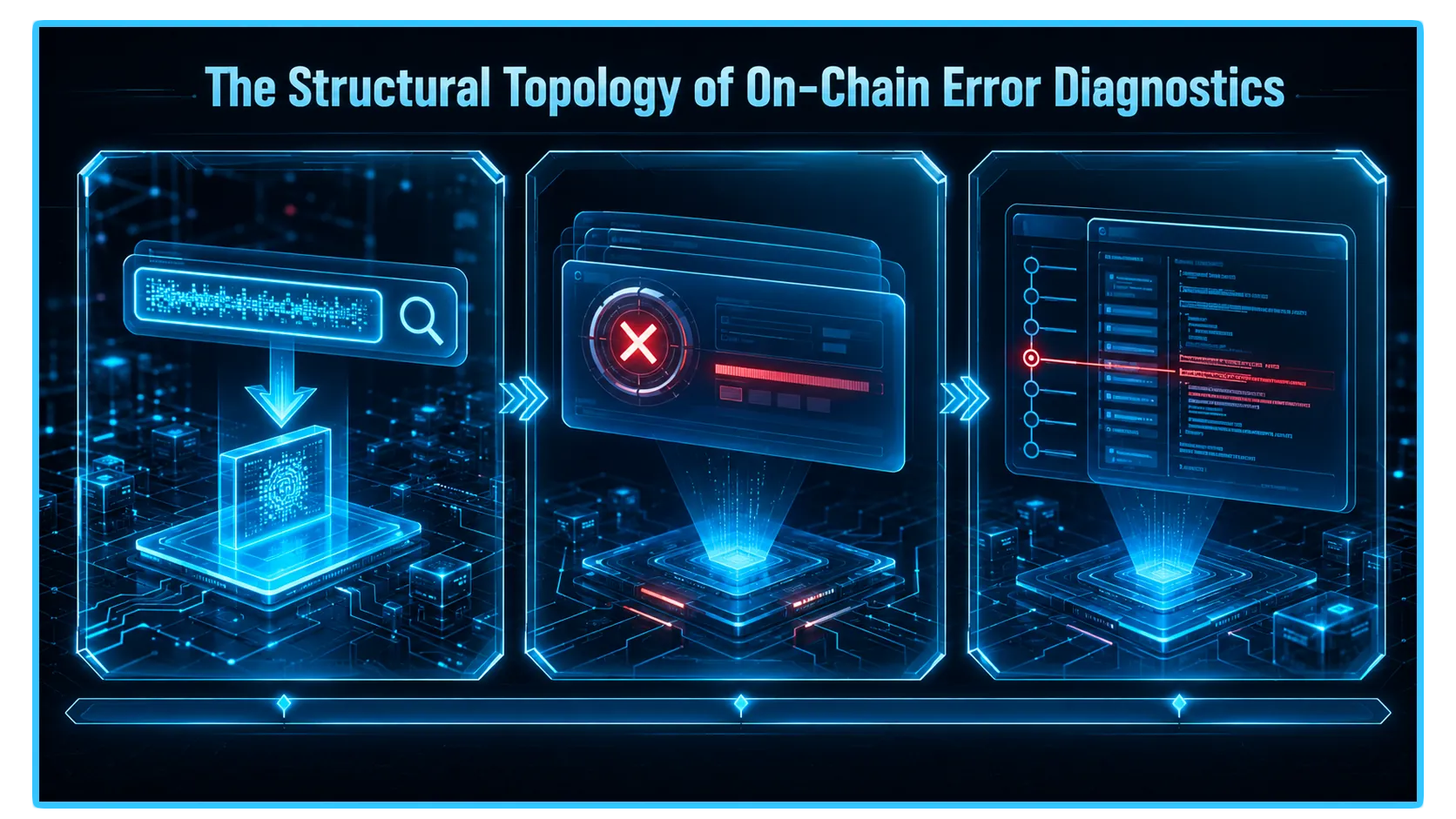
1. The Mechanics of a Solana Failure: Atomic State Rollbacks
- To troubleshoot a Solana transaction signature like an on-chain analyst, you must understand how the runtime environment processes data. A single Solana transaction is composed of one or many Instructions: independent smart contract commands that interact with decentralized programs (such as Jupiter, Raydium, or the Native System Program).
- Solana transactions execute atomically. This means that either every single instruction contained within the payload succeeds perfectly, or the entire transaction fails completely. If instructions one and two execute flawlessly, but instruction three triggers a custom program error, the entire state transition is wiped out.
- The blockchain ledger rolls back your balances to their pre-transaction states to ensure system safety. However, because validators spent active compute cycles processing the initial phases of your payload, your wallet will still consume a microscopic fraction of native SOL (lamports) to cover the network base fee.
2. Step-by-Step Diagnostic Playbook on Solscan
Step 1: Extract and Ingest the Transaction Signature
When a transaction reverts, open your wallet portfolio extension (such as Phantom, Solflare, or Backpack), navigate to the Activity or History tab, select the failing interaction, and copy the Transaction Signature (a long alphanumeric string of cryptographic data tracking your specific trade). Paste this hash straight into the search query bar of Solscan.
Step 2: Inspect the Primary Overview Matrix
- Once the transaction overview panel loads, direct your attention immediately to the core header details. Solscan presents a high-visibility summary layout that highlights the execution outcome.
- The Result line will explicitly display a distinct red marker indicating a failure. Solscan will frequently attach a helpful shorthand note directly next to the failure flag, explicitly identifying which specific instruction number triggered the programmatic revert (e.g.,
Instruction #2 Failed).
Step 3: Dive Into the Log Messages Tab
- To locate the absolute root cause of the error, scroll past the basic balance change tables to the mid-page navigation row and select the Log Messages or Instruction Details tab. This section displays a raw, block-by-block text printout of the exact conversation your wallet had with the Solana virtual machine runtime.
To locate the error fast, perform a quick text scan or keyboard shortcut search (Ctrl + F) for the keyword "Error" or "Failed".
[Program Log] Invoke Raydium AMM Program V4
[Program Log] Instruction: Swap
[Program Log] Slipped past slippage tolerance bounds
[Program Log] Program log: Custom program error: 0x1c
[Program Log] Log truncated or execution reverted
- Review the text chronology step-by-step. The system will print an initial
Invokeline as it calls the target smart contract, followed by individual runtime metrics. The very last line printed before the contract prints an explicitCrashedorFailedhash contains the exact logical trigger that caused the smart contract execution to break.
3. The Diagnostic Grid: Common Solana Error Codes Decoded
To maintain clean scannability when filtering real-time token deployments, use this optimized data matrix to map raw Solscan error profiles directly to their operational solutions:
| Solscan Error & Operational Meaning | Tactical Remediation Step |
Custom Program Error: 0x1770 (Slippage tolerance breach) | Expand slippage tolerance percentages inside DEX setting panels. |
BlockhashNotFound (Transaction expired due to congestion) | Elevate Priority Fees to incentivize faster validator selection. |
4. The Core Caveat: Simulation Failures vs. On-Chain Reverts
- While analyzing Solscan logs is the ultimate method for evaluating executed on-chain failures, you must account for an alternate category of friction: the Wallet Simulation Failure.
- Modern Solana wallets run a lightning-fast local simulation of your transaction before broadcasting the signature to the public validator network. If the wallet's internal simulator detects that your swap will fail due to high slippage or insufficient funds, a warning pop-up will block you from signing the payload.
- Because these simulation blocks intercept the trade before it ever reaches the blockchain ledger, no transaction signature is generated, and no gas fee is spent. If your wallet blocks you during the simulation phase, you will not find a record on Solscan; you must adjust your slippage or balance parameters directly inside the dApp user interface to clear the simulation hurdle.
5. Real-Time Telemetry and Pool Diagnostics via DEXTools
- Successfully resolving failed Solana transactions requires continuous access to look-through, live data analytics. While reading raw error logs on Solscan tells you how a past transaction failed, checking the actual live market liquidity depth, rolling volume velocity, and concurrent pool transactions on an independent data grid is the only way to prevent errors before you authorize a signature.
- If you attempt to execute an aggressive market swap on a token without checking its real-time telemetry, you are highly likely to encounter repeated execution failures due to thin pool depth or sudden liquidity pullbacks.
- DEXTools provides the critical analytical data infrastructure needed to perform these diagnostic verifications in real-time. By utilizing the advanced Solana Pair Explorer, live transaction feeds, and look-through wallet telemetry, market participants can instantly audit any pool on Raydium, Pump.fun, or Meteora.
- Before submitting a trade payload, load the token on the DEXTools dashboard to verify its active pool status. If the telemetry reveals a sudden drop in liquidity or a massive wave of competing bot transactions, you can proactively configure higher priority fees or expand your slippage buffers ahead of time, ensuring your trades clear the validator network flawlessly on the first attempt.
Disclaimer: This article is for informational purposes only and does not constitute investment advice, financial advice, trading advice, or any other kind of advice. DEXTools does not recommend buying, selling, or holding any cryptocurrency or token. Users should conduct their own research and consult with a qualified financial advisor before making any investment decisions. Cryptocurrency investments are volatile and high-risk. DEXTools is not responsible for any losses incurred.