How to Wrap and Unwrap ETH to WETH Manually

Relying on third-party dApp front-ends to wrap your Ether introduces unnecessary phishing and smart contract vector risks. We explain the manual execution path.
Wrapping and Unwrapping ETH to WETH: A Manual Guide
- For anyone operating within the decentralized finance architecture, encountering Wrapped Ether (WETH) is an everyday occurrence. Whether you are provisioning automated liquidity to a decentralized exchange, bidding on digital art enclaves, or funding high-velocity perpetual margin accounts, WETH serves as the structural grease of the Ethereum machine.
- Yet, a surprising number of market participants don't actually understand why this asset transformation is necessary—or worse, they rely entirely on opaque, third-party decentralized application (dApp) front-ends to execute the conversion, exposing their wallets to malicious phishing UI swaps.
- Let’s bypass the consumer-facing intermediaries. Transforming native ETH into its ERC-20 compliant twin can be executed directly at the ledger level with zero protocol markup. This guide unpacks the technical architecture of token wrapping and provides an exact manual playbook for wrapping and unwrapping your Ether safely using core wallet mechanics and block explorer contract portals.
1. The Technical Disconnect: Why Does WETH Exist?
- To understand manual wrapping with professional precision, you must grasp an ironic reality of the Ethereum network: Native ETH is not compliant with the ERC-20 token standard.
- Because native ETH was engineered as the baseline gas payment primitive of the network before the ERC-20 token blueprint was formalized, it lacks the standard software functions required to interact fluidly with smart contracts. It cannot execute standard commands like
approveortransferFrom.
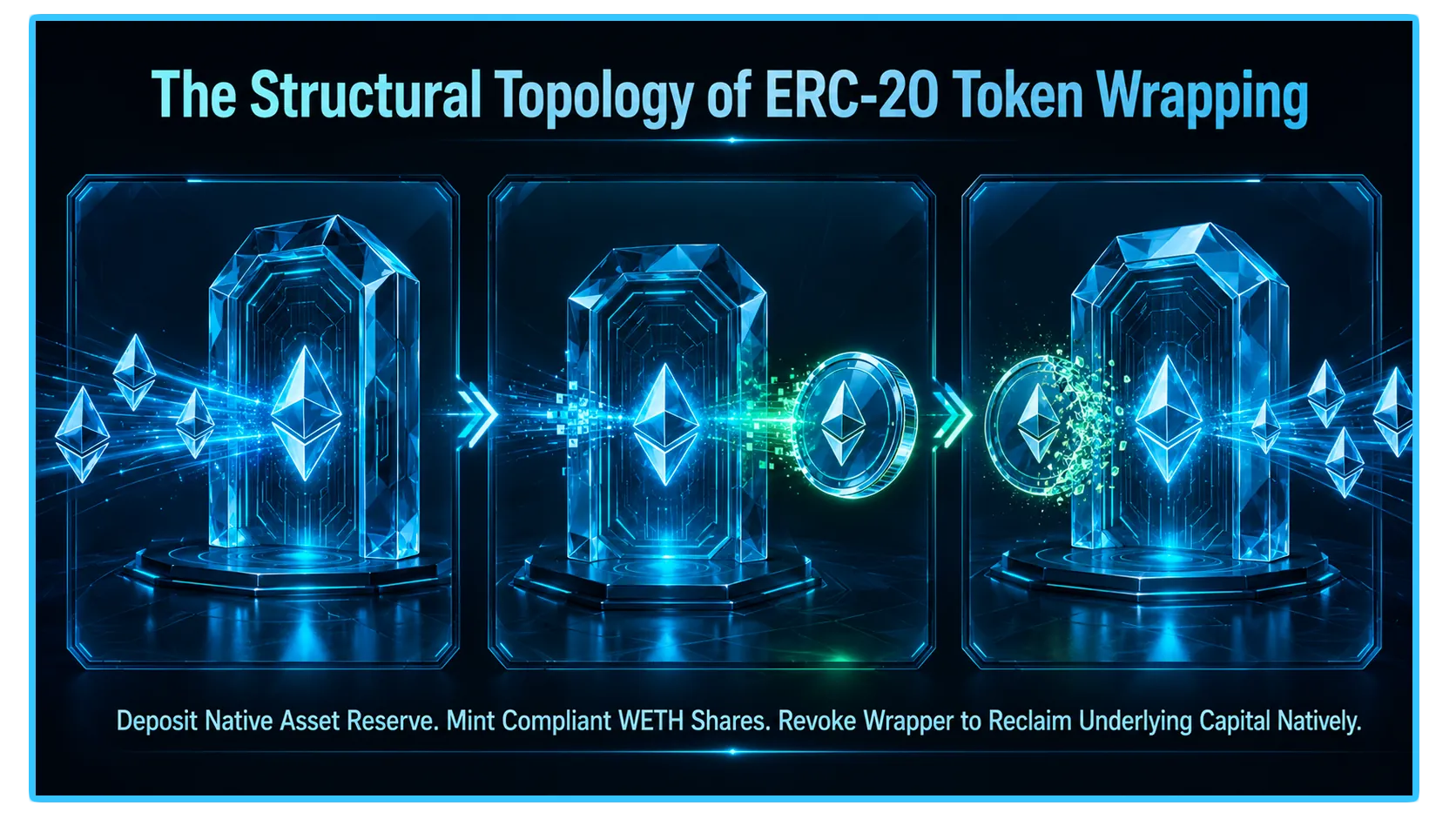
[Native ETH] ───> Sent to WETH9 Contract Vault ───> 1:1 ERC-20 Compliant WETH Minted
[Wrapped WETH] ───> Burned in WETH9 Contract ───> 1:1 Native ETH released to Wallet
- To allow Ether to participate in advanced money market loops without rewriting the entire core blockchain infrastructure, developers deployed the WETH9 smart contract.
- This contract functions as a literal, trustless token vault. When you send native ETH into the contract, it locks your asset in escrow and mints an identical, 1:1 tokenized receipt called WETH. Conversely, burning the WETH token collapses the wrapper and unlocks your native ETH asset automatically.
2. The Mechanical Matrix: Core Function Layout
To maintain absolute scannability regarding how the global WETH9 smart contract processes your asset state alterations, analyze the primitive functions mapped out inside this compact data layout:
| Contract Function | Financial Action | Operational Result |
deposit | Wraps Native ETH | Places ETH in escrow; mints 1:1 ERC-20 WETH shares to sender |
withdraw | Unwraps WETH | Burns the ERC-20 WETH token; releases native ETH back to wallet |
3. Step-by-Step ETH to WETH Playbook: Manual Execution Overrides
Method A: The Direct Wallet Escape Path (MetaMask / Rabby)
If you are looking to wrap or unwrap your assets quickly without navigating away from your secure browser extension, modern web3 wallets feature native abstraction paths that allow you to skip dApp connections entirely.
To Wrap: Open your wallet interface, select your native ETH asset balance, and click the built-in Swap or Wrap module. Input WETH as your destination asset. Because this execution routes directly to the core contract aggregator layer, the conversion processes at absolute parity with standard network gas parameters.
To Unwrap: Select your WETH token asset sub-balance inside your token portfolio view, activate the swap interface, and reverse the pairing back to native ETH.
Method B: Direct Smart Contract Interaction via Block Explorers
When front-end user interfaces fail completely during high-congestion network panics, interacting directly with the blockchain ledger via an independent block explorer like Etherscan is the ultimate safety playbook for sovereign capital.
The Manual Wrapping Protocol
Navigate to a verified block explorer and pull up the official, immutable WETH9 Smart Contract Address:
0xC02aaA39b223FE8D0A0e5C4F27eAD9083C756Cc2.Click on the Contract tab and sub-select the Write Contract option interface.
Click Connect to Web3 to bridge your secure hardware or browser wallet anchor to the explorer portal.
Locate the
depositfunction module.In the input parameter field, enter the exact nominal amount of native ETH you desire to wrap. Confirm the execution path inside your wallet interface and clear the transaction block.
The Manual Unwrapping Protocol
Return to the identical Write Contract ledger interface portal on the explorer.
Locate the
withdrawfunction module.The contract requires input fields denominated in absolute raw wei units (where 1 ETH equals 1,000,000,000,000,000,000 wei). To unwrap exactly 1 ETH, you must input
1000000000000000000into the parameter box.Click the Write action box, approve the contract burning clearance inside your wallet, and your native ETH will be restored to your balance immediately upon block finality.
4. Real-Time Telemetry and Liquidity Checking via DEXTools
- While the core WETH9 contract operates with perfect mathematical parity, tracking real-time cross-chain liquidity depth, secondary market token distributions, and gas-priority spikes before managing massive capital movements is vital to protect your treasury loops.
- DEXTools provides the critical analytical data infrastructure needed to perform these multi-chain verifications in real-time. By utilizing advanced pair trackers, live pool monitoring tools, and look-through wallet telemetry across alternative layer scaling ecosystems, market participants can independently verify if a network's open-market activity matches its internal parameters.
You can access DEXTools here and start trading today!
Disclaimer: This article is for informational purposes only and does not constitute investment advice, financial advice, trading advice, or any other kind of advice. DEXTools does not recommend buying, selling, or holding any cryptocurrency or token. Users should conduct their own research and consult with a qualified financial advisor before making any investment decisions. Cryptocurrency investments are volatile and high-risk. DEXTools is not responsible for any losses incurred.