Crypto Wallet Address Explained: Beginner Guide 2026
— By Tony Rabbit in Tutorials
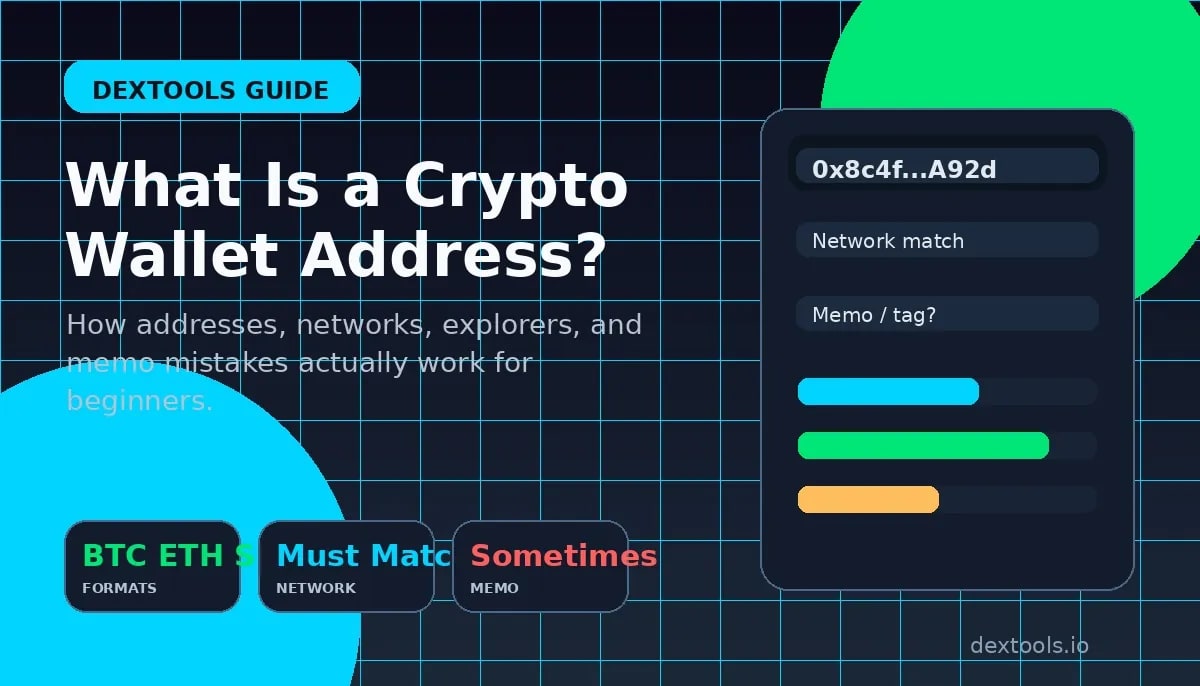
Crypto wallet address explained: how it differs from public and private keys, how formats vary by chain, and how to avoid wrong-network and memo mistakes.
A crypto wallet address is the public destination you use to receive coins or tokens on a blockchain. It is not the same thing as your wallet app, your public key, or your private key. Beginners often collapse all of those ideas into one vague concept, and that is exactly how wrong-network sends, missing memo mistakes, and permanent transfer stress happen.
The simplest mental model is this: your wallet is the software or device, your address is the public destination other people send funds to, and your private key or seed phrase is the secret that proves control. If you remember only one rule, remember this one. An address can be shared. A private key or seed phrase never should.
Quick answer
- A wallet address is the public string you use to receive funds on a specific blockchain.
- The same wallet app can show different addresses on different networks, which is why chain selection matters.
- A wallet address is not your private key. If someone asks for the private key or seed phrase, stop.
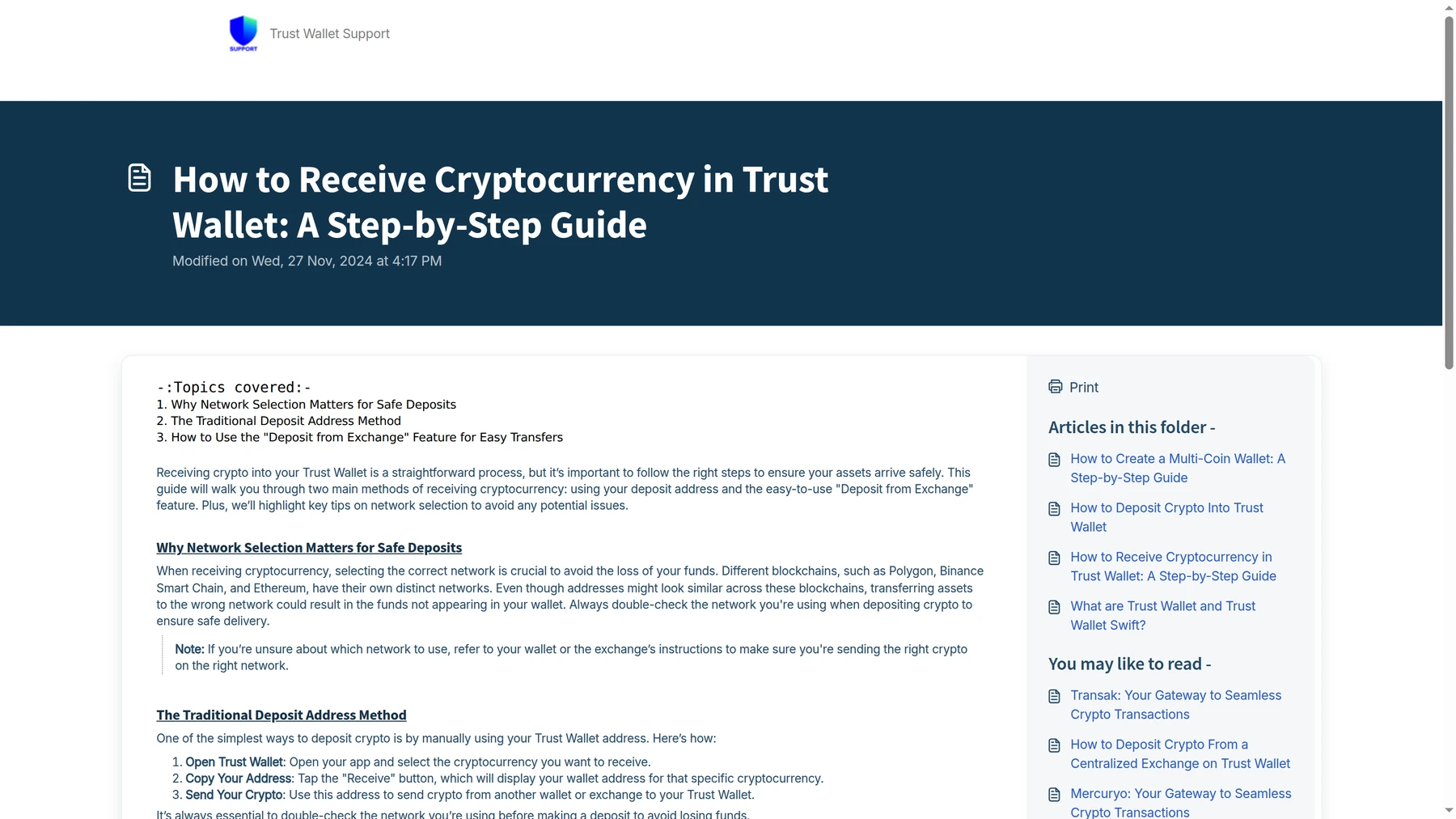
- Before sending size, check the asset, network, memo or destination tag, and verify the destination in a block explorer if needed.
What a Crypto Wallet Address Actually Is
A wallet address is a blockchain-specific destination. When someone sends BTC, ETH, SOL, XRP, or a token, the blockchain records the transfer to that destination. In practice, the address acts like an account identifier you can safely share with the sender. That is why wallet apps place a big Receive button up front. They expect you to copy the address, verify the network, and share that public destination when you want funds to arrive.
What confuses beginners is that one wallet app can hold many addresses. Trust Wallet, MetaMask, Coinbase Wallet, Phantom, and other multi-chain wallets often show different receive details depending on the chain and asset you open. So when people say "my wallet address," they usually mean "the address for this specific chain or token route inside my wallet." That difference matters a lot.
Wallet vs Address vs Public Key vs Private Key
This is the part that clears up most beginner confusion. A wallet is the software or hardware environment that helps you manage balances and sign transactions. An address is the public destination you use for receiving. A public key is part of the cryptography behind the address. A private key is the secret that authorizes spending. On many modern wallets, the seed phrase backs up the private keys for many addresses at once.
The four things beginners mix up
If you want the wallet type comparison, our hot wallet vs cold wallet guide explains where app wallets and hardware wallets fit. This article stays focused on the address layer because that is where transfer mistakes start.
Crypto Wallet Address Examples by Chain
Different chains use different address formats. That is useful because format clues can help you notice a mismatch before you send. It is not a perfect safety system, because some EVM chains share the same 0x address format, but it still helps you slow down and read the destination more carefully.
Common address patterns beginners should recognize

Wrong Address vs Wrong Network vs Missing Memo
These are the three mistakes that matter most, and they are not the same problem.
The three classic failure modes
Network mismatch deserves extra respect because it fools beginners. If you send USDT to an address that looks correct but the route is wrong, the transfer may not appear where you expect, and recovery can become a support nightmare. That is why the safest order is always asset first, network second, address third, memo or tag fourth, then the amount.
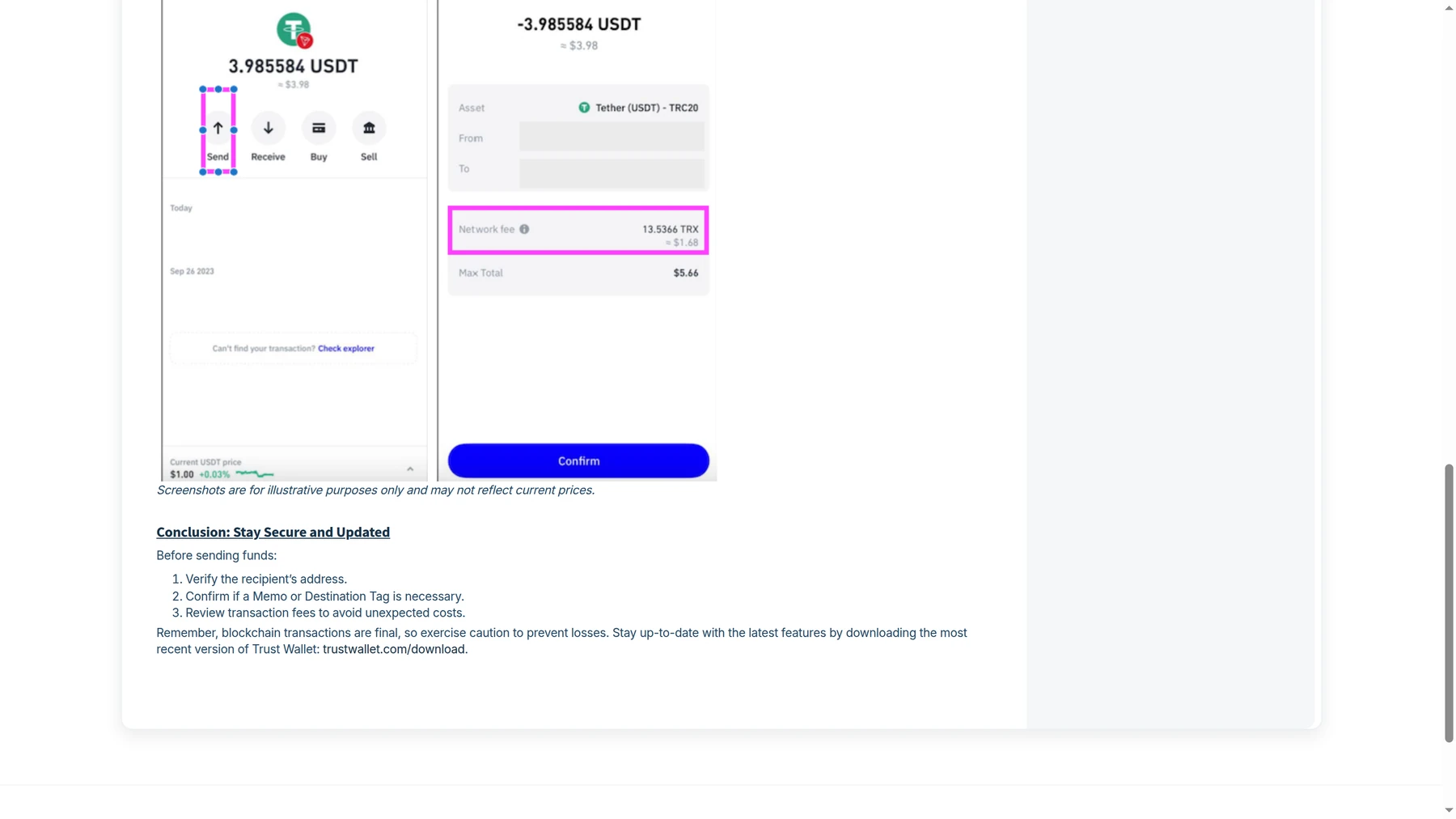
Before you send any meaningful amount
- Open the exact asset in the destination wallet first. Do not rely on memory.
- Match the chain, not just the token ticker or address style.
- If the route mentions a memo, tag, or payment ID, treat it as mandatory until proven otherwise.
- If the amount matters, send a small test first and verify it arrived on the correct chain.
How to Verify a Wallet Address with Block Explorers
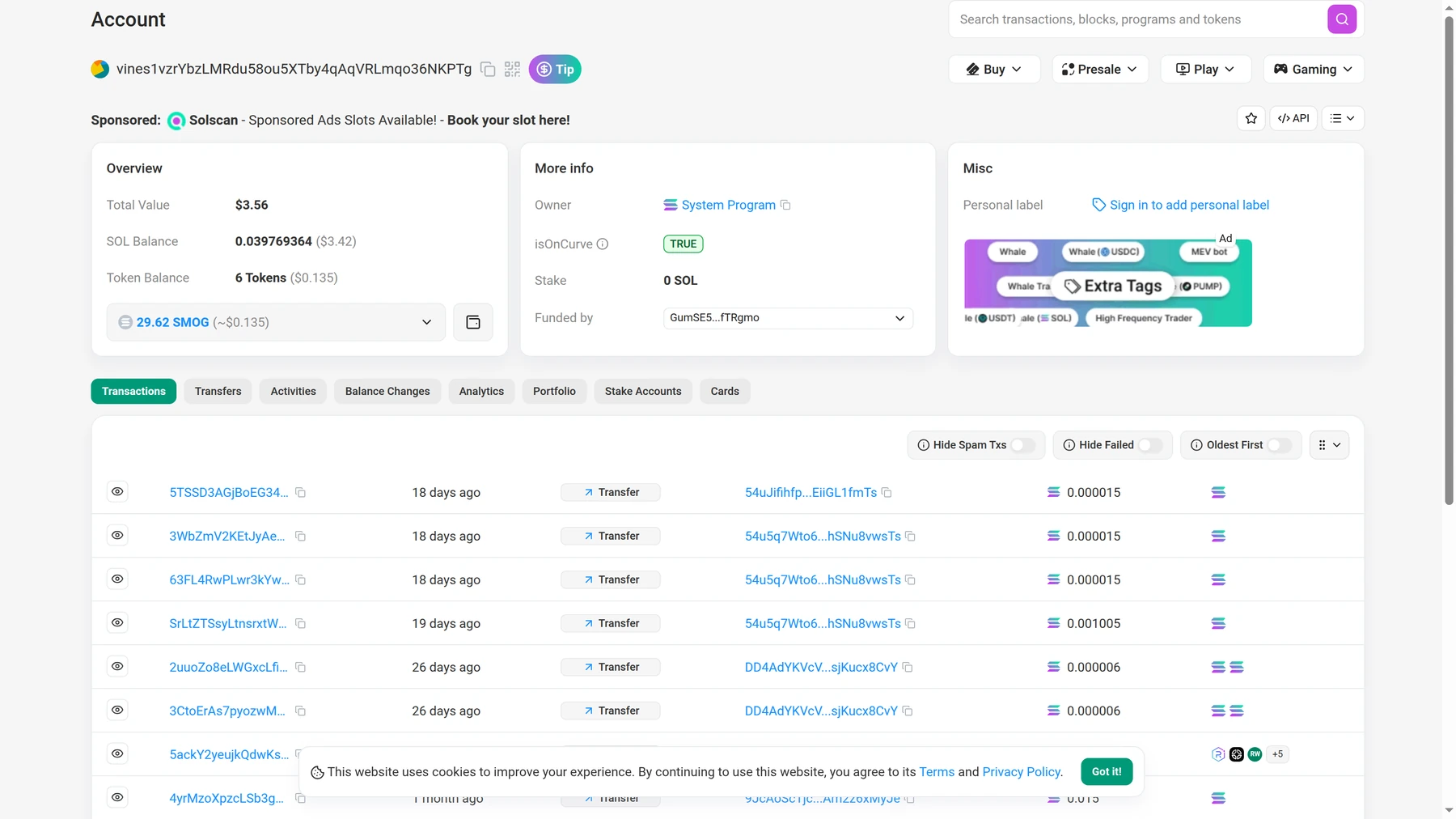
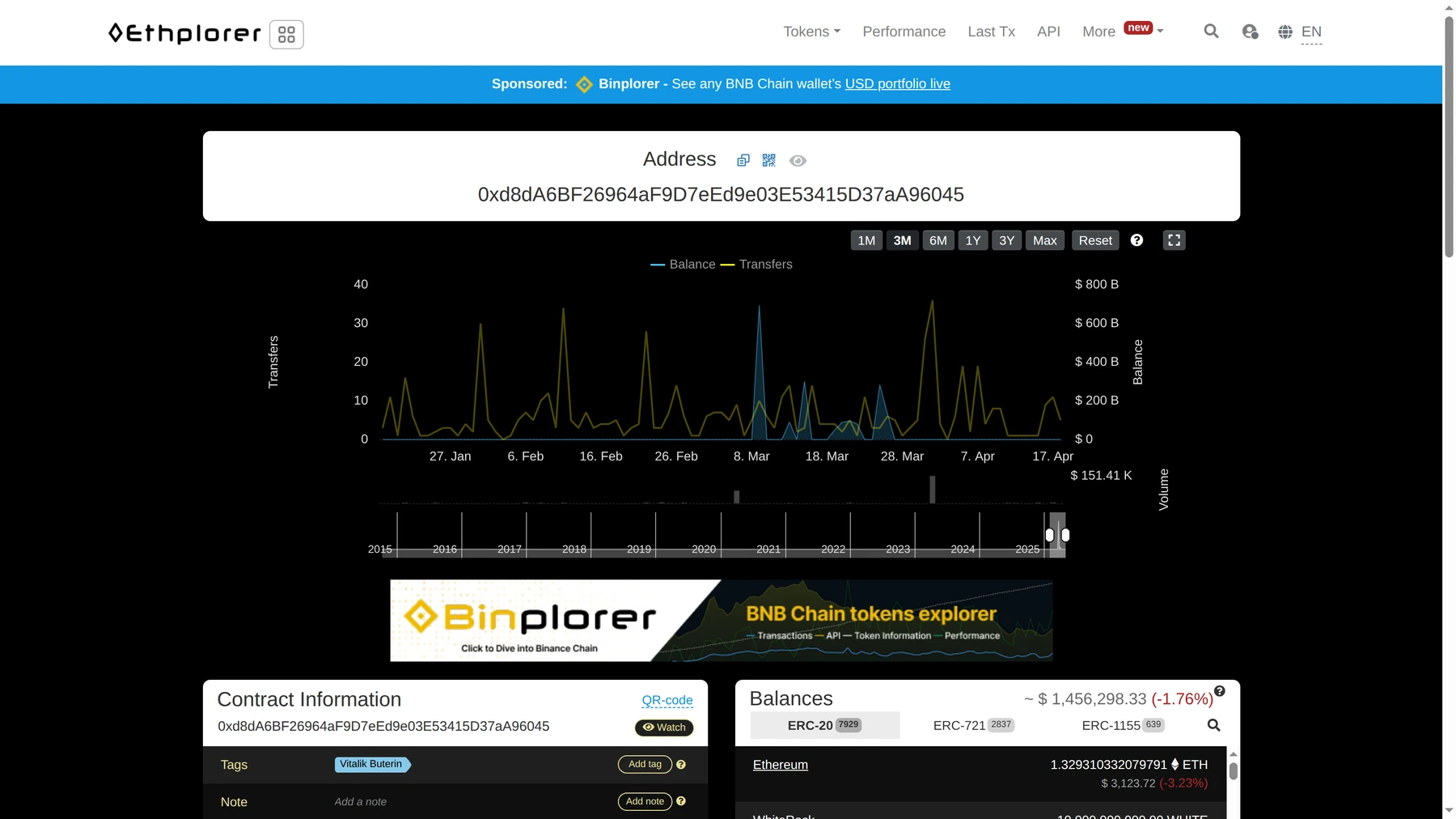
A block explorer is the cleanest way to verify that an address is real, active, and on the chain you think it is. On Ethereum, many people use Etherscan, while alternatives like Ethplorer or Blockscout can show the same basic truth. On Solana, Solscan is a common starting point. The exact interface changes, but the workflow stays simple: paste the address, confirm the chain, and review whether balances, token holdings, or transaction history make sense.
Explorer checks do not tell you whether the destination belongs to the person you intended, but they do help confirm you are looking at a live blockchain account and not an obviously broken route. That is especially useful when you are moving funds between your own wallets or checking whether an exchange-provided deposit address matches the right chain.
How DEXTools Helps Before You Send Tokens
DEXTools does not replace a wallet explorer, but it can reduce a different class of mistake: confusing the token itself. If you are sending or receiving a token you discovered on-chain, DEXTools helps you confirm the correct pair, chain context, and contract before you copy anything into a wallet flow. That matters because beginners sometimes send the right chain to the wrong asset contract or confuse a copycat token for the real one.
A practical flow looks like this. First, confirm the token and chain on DEXTools. Second, open the correct asset in your wallet and copy the receive destination from there. Third, verify the address on a block explorer if the transfer matters. That sequence does not eliminate every risk, but it cuts out a surprising amount of avoidable confusion.
Frequently Asked Questions
What is a crypto wallet address?
It is the public destination string used to receive crypto on a specific blockchain. You can share it with a sender, but you should never confuse it with your private key or seed phrase.
Is a wallet address the same as a public key?
Not exactly. The address is usually derived from cryptographic material such as a public key, but most users receive funds through the address, not by sharing the raw public key.
Can I use the same wallet address on every network?
No. Some wallets show different addresses or routes depending on the chain. Even when formats look similar, the network still has to match the transfer route.
What happens if I send crypto to the wrong network?
Sometimes the funds can be recovered with enough technical control, but often it becomes a painful support or wallet recovery problem. The safest approach is to avoid the mistake before you send.
Do I always need a memo or destination tag?
No, but on some exchange deposit routes and on networks like XRP, it can be required. If the platform says it is required, treat it as mandatory.
Related DEXTools tutorials
Disclaimer: This article is for educational purposes only and does not constitute investment, legal, tax, or security advice. Crypto transfers are often irreversible, so always confirm the live asset, network, address, and any required memo or destination tag before sending.