What Is a Read Contract? Check a Token's Data On-Chain (2026)
— By Whatsertrade in Tutorials
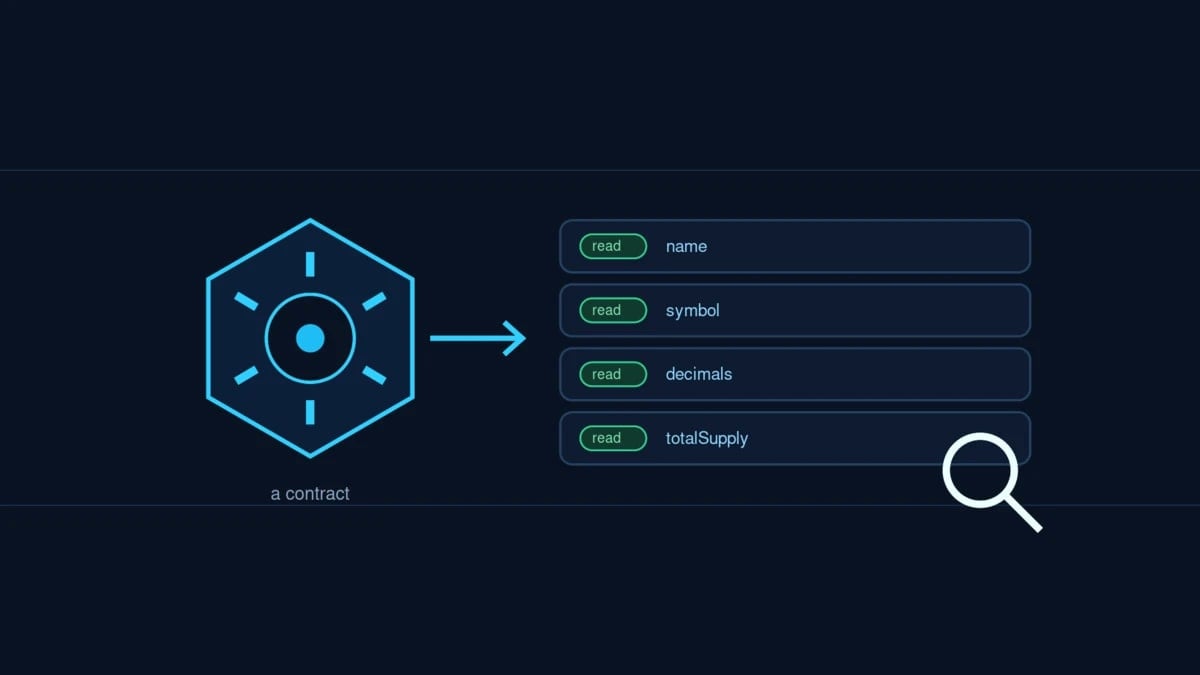
Read Contract lets you query a token's real on-chain data for free on an explorer. What you can check, why it protects you, and how to use it.
Intent check: This is the plain-English guide to the Read Contract feature, the free way to ask a smart contract for its real data. For the basics of what a contract is first, read What Is a Smart Contract.
Before you trust a token, you can just ask the contract itself. Every verified smart contract on a block explorer has a Read Contract section, a set of buttons that let you query its live on-chain state directly, for free, without a wallet or a transaction. It is one of the most underused safety tools in crypto, because it shows you the truth straight from the source instead of whatever a website or trading interface decides to display.
This guide explains what a read contract is, how it differs from writing to a contract, what you can check with it, why that matters for your safety, and how to use it on an explorer.
What Is a Read Contract?
Read Contract is a feature on block explorers that lets you call a smart contract's read-only functions. These are the functions that only look up information and never change anything, so calling them is completely free. You are not sending a transaction or moving funds. You are simply asking the contract a question and getting its current answer back.
For a token, those questions are things like what is your name, what is your symbol, how many decimals do you use, what is your total supply, and how many tokens does this address hold. The contract answers each one directly from its live state.
Read vs Write
Reading is a question, writing is an action. Explorers usually put them in separate tabs, and only the Write Contract side ever asks you to connect a wallet or pay a fee.
What You Can Check
- The basics. Name, symbol, and decimals, so you can confirm you are looking at the right token and read its balances correctly.
- Supply and balances. Total supply, and the balance of any address you paste in.
- Control and risk signals. Many token contracts expose functions like the current owner, whether it is paused, or whether trading is enabled. These are exactly the kind of facts that matter before you buy.
Why It Matters for Safety
The whole point is that a read contract shows you the on-chain truth, not a claim. A website can display any number it likes, but the contract cannot lie about its own state. By reading it directly, you can confirm a token's real decimals, check whether ownership has actually been renounced, or see whether the supply can still be increased through a mint function. When a project's marketing and its contract disagree, the contract wins.
How to Use Read Contract on an Explorer
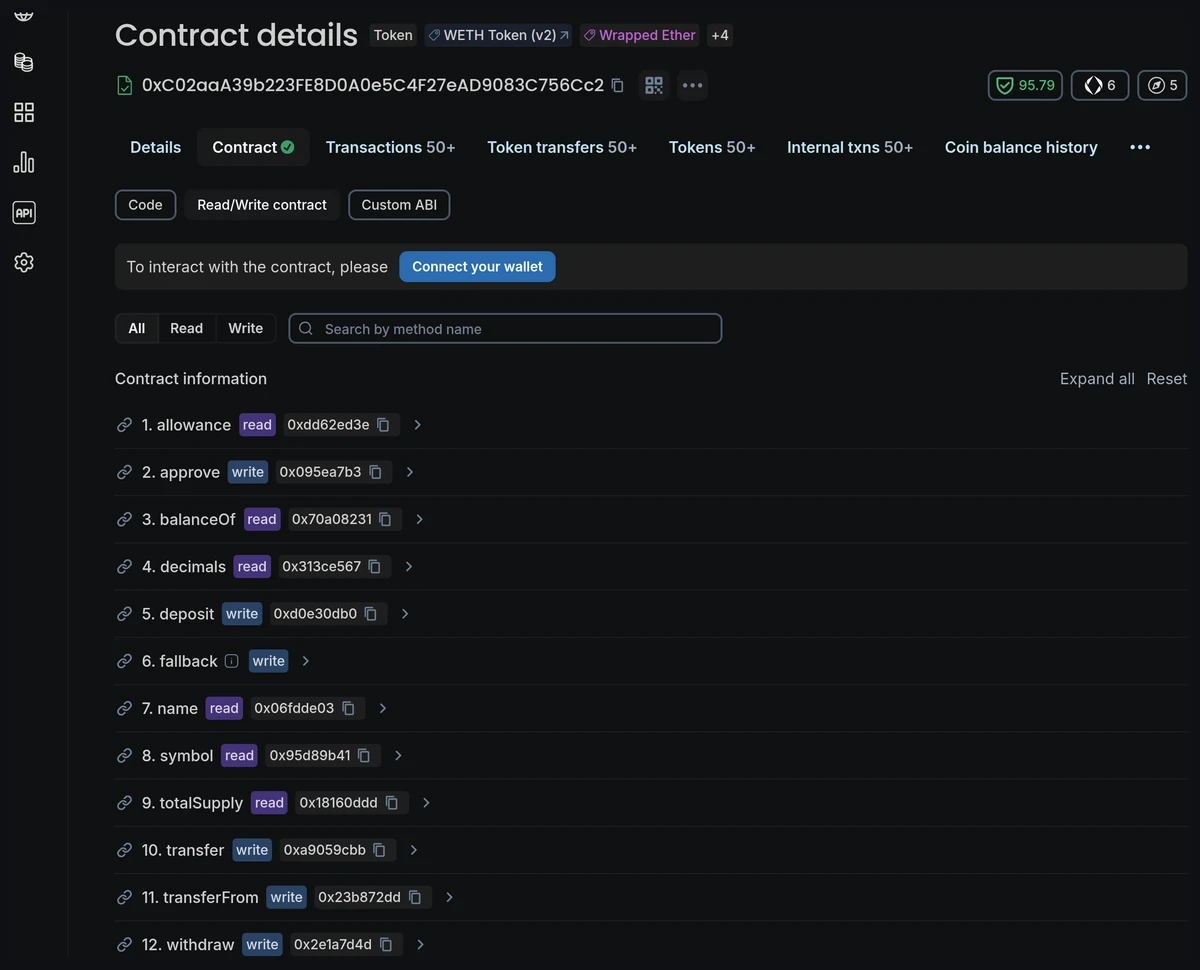
- Open the contract for the token on a block explorer and find its Contract section.
- Choose Read. You will see a list of read-only functions with buttons to run them.
- Query away. Click a function, enter any input it needs, such as an address for a balance, and read the answer. No gas, no signature.
This only works when the contract's source code has been published, so the functions are labelled and readable, which is what makes a verified contract so valuable. If the code is not verified, you will not see friendly read buttons. New to explorers in general? Start with What Is a Blockchain Explorer.
A Note on Proxy Contracts
Some contracts are proxies, meaning their real logic lives in a separate implementation contract. On these, explorers offer a Read as Proxy option so you can query the actual functions rather than the empty shell. If a token's read functions look strangely bare, check whether it is a proxy and use that view.
Key Takeaways
- Read Contract lets you call a smart contract's read-only functions for free, with no wallet or transaction.
- Reading looks up information and costs nothing. Writing changes state and costs gas.
- You can check a token's name, symbol, decimals, supply, balances, and control signals like owner or paused.
- It shows the on-chain truth, so it is a powerful way to verify claims before you buy.
- It requires a verified contract, and proxies have a Read as Proxy view for their real functions.
The Read Contract tab turns a block explorer from a viewer into an interrogation tool. In a few free clicks you can go straight past the marketing and ask a token exactly who controls it, how much of it exists, and how it really behaves. Make it a habit, and you will catch the mismatches between what a project says and what its contract actually does.
This article is educational and is not financial advice. Always do your own research before interacting with any token.