Phantom Wallet Multichain Tutorial: Secure Guide
— By AliceOnChain in Tutorials

The Web3 landscape is fundamentally multi-chain, and managing separate software clients for every layer-1 network creates unnecessary technical friction. This complete Phantom Wallet Tutorial explores how to deploy a single non-custodial interface to seamlessly manage assets across Solana, Ethereum, and Bitcoin. Discover secure setup paths, advanced cross-chain workflows, and how to verify token metrics on DEXTools before signing transactions.
Phantom Wallet Tutorial: Solana, Ethereum and Bitcoin Multichain
The decentralized architecture has evolved past the constraints of a single blockchain ecosystem. Active market participants regularly distribute capital across diverse networks, capitalizing on the distinct liquidity structures of Ethereum, the rapid execution velocities of Solana, and the foundational asset preservation of Bitcoin. For any user managing assets on these diverse networks, a comprehensive Phantom Wallet Tutorial is essential to understanding how to consolidate multiple cryptographic keys into a single secure platform without sacrificing self-custody principles. Historically, managing these positions forced traders to jump between separate, specialized browser extensions, introducing significant operational friction and expanding their technical attack surface.
The modern multi-chain paradigm demands a unified, non-custodial solution. Phantom Wallet has transitioned from its origin as a Solana-exclusive application into a powerful, multi-chain interface. By consolidating multiple cryptographic key derivation paths into a single user interface, it lets users interact with distinct networks without switching applications.
This Phantom Wallet Tutorial provides an analytical breakdown of configuring a secure cross-chain hub, managing underlying network nuances, and utilizing advanced risk-assessment metrics on DEXTools to maintain a bulletproof on-chain trading framework.
The Underlying Architecture of a Multichain Wallet
To safely navigate a multi-chain environment, it is critical to understand how a single software client can simultaneously manage native Solana (SPL), Ethereum (ERC-20), and Bitcoin UTXO assets.
When you generate or import a master recovery phrase within Phantom, the application utilizes standardized cryptographic derivation paths. It takes your single seed phrase and derives distinct public-private key pairs for each supported network architecture:
Solana: Utilizes the Ed25519 signature scheme, ideal for processing high-throughput transactions with minimal latency.
Ethereum & EVM Chains: Deploys the secp256k1 curve, ensuring native compatibility with Ethereum Mainnet, Base, and Polygon.
Bitcoin: Computes addresses compatible with modern formats, including Native SegWit ($P2WPKH$) and Taproot ($P2TR$), which allows for the secure holding of BTC alongside Ordinals.
Phantom automatically detects the network requirements of the decentralized application (dApp) you connect to. If you are tracking live pools on DEXTools, the wallet signs transactions using the correct cryptographic curve without forcing you to manually switch network profiles inside the application.
Step-by-Step Secure Phantom Setup
Establishing an uncompromised installation is the most critical phase of your multi-chain journey. Follow this structured protocol to ensure absolute asset safety.
1. Procurement and Authenticity Verification
The prevalence of spoofed extensions and malicious applications within mobile marketplaces represents a continuous threat vector. Always navigate directly to the official Phantom portal to download the software for your specific browser (Chrome, Brave, Firefox, Edge) or mobile operating system. Verify that the application developer is authenticated and matches official repositories before initiating the installation.
2. Creating a Sovereign Multi-Chain Account
Upon launch, select "Create a New Wallet." You will be prompted to establish a local device password. This password strictly acts as a local encryption layer for the extension on that specific machine; it has no bearing on blockchain-level recovery.
Next, the application will display your 12-word Secret Recovery Phrase. This is the master key to all three asset networks.
Storage Protocol: Do not screenshot, copy-paste, or save this phrase in a cloud-connected document or text file. Local malware can instantly scrape digital clipboards and local storage.
Preservation Method: Handwrite the words on physical paper or stamp them into a titanium seed storage plate. Store this backup in a geographically secure, fireproof location.
3. Account Customization and Multi-Wallet Deployment
Once initialized, Phantom displays a unified dashboard showing balances across all active chains. To optimize your workflow, you can select the account menu in the upper-left corner to add multiple distinct accounts under the same master seed phrase. This is highly effective for segregating high-value long-term positions from your day-to-day experimental trading capital.
Executing Swaps and Managing Network Nuances
Managing a multi-chain architecture requires strict attention to gas mechanics and transaction parameters across the different networks.
Internal Token Swapping and Slippage Controls
Phantom includes an integrated cross-chain aggregator that allows users to execute token exchanges directly within the interface. While highly convenient for basic asset conversions, note that in-app swaps incur a standard platform fee (typically 0.85%).
When executing high-velocity trades on volatile token pairs, click the settings icon in the upper-right corner of the swap interface to configure your slippage tolerance. You can leave this on Auto or define a strict manual percentage. Setting slippage too low under heavy market congestion can cause transactions to fail, incurring non-refundable network gas costs. Setting it too high exposes the transaction to sandwich attacks and front-running bots.
Gas Fee Variations: SOL, ETH, and BTC
A common point of confusion for those transitioning to a multi-chain environment is gas allocation. Every blockchain requires its native token to settle transactions:
Solana: Transactions require fractional amounts of SOL. Execution is near-instantaneous, and fees are negligible, allowing for high-frequency adjustments.
Ethereum: Transactions require ETH. Fees can fluctuate dramatically based on smart contract complexity and block space demand.
Bitcoin: Settlements require native BTC and are priced in Satoshis per byte ($sat/vB$). Transactions do not execute in seconds; they depend on Bitcoin's 10-minute block times.
Always maintain a dedicated buffer of native SOL, ETH, and BTC within your respective addresses. Without these native gas reserves, your assets become illiquid and stuck inside the smart contracts, preventing you from executing timely exits or repositioning capital.
Implementing Advanced Security Practices
Operating across multiple chains multiplies your exposure to phishing and smart contract exploits. Implementing rigorous operational defense is mandatory.
1. Utilizing Transaction Preview 2.0
One of Phantom’s strongest native security features is its automated simulation engine. Before you approve any signature request, Phantom attempts to execute the transaction in an isolated virtual environment. The wallet then displays a visual "Transaction Preview" showing exactly what assets are leaving your wallet and what you are receiving in return. If a malicious contract attempts a stealthy transfer approval or a balance drain, the preview screen flags the transaction with a clear warning before you commit your cryptographic signature.
2. Integrating Hardware Wallets (Cold Storage Isolation)
For high-value capital allocation, relying solely on an internet-connected software hot wallet introduces structural risk. This Phantom Wallet Tutorial strongly advocates for a hybrid model by pairing your software interface with a Ledger hardware device.
By selecting "Connect Hardware Wallet" within the Phantom account menu, you can map your physical device's addresses directly into the user interface. The private keys remain permanently isolated inside the hardware device's secure element chip. When executing a cross-chain swap on DEXTools, Phantom acts as the analytical portal, but the transaction remains inert until you physically press the buttons on your hardware wallet to authorize the transfer.
Optimizing Multi-Chain Analysis with DEXTools
A wallet is an execution vehicle; it requires external, real-time data to navigate effectively. Integrating Phantom with the extensive data infrastructure of DEXTools creates a secure workflow for cross-chain capital.
Before initiating any token swap or depositing liquidity into a newly discovered pool via Phantom, look up the target token pair on the DEXTools Pair Explorer. Analyze the live chart to identify macro support and resistance levels, and review the real-time order flow to distinguish genuine retail volume from automated wash trading.
Furthermore, leverage DEXTools’ integrated security audits and holder distribution metrics (such as Bubblemaps) to verify the underlying smart contract's integrity. Checking for high developer concentration, unrenounced contract ownership, or hidden mint parameters on DEXTools before signing a transaction ensures your Phantom wallet never interacts with predatory token contracts or malicious pools designed to bypass standard wallet defenses.
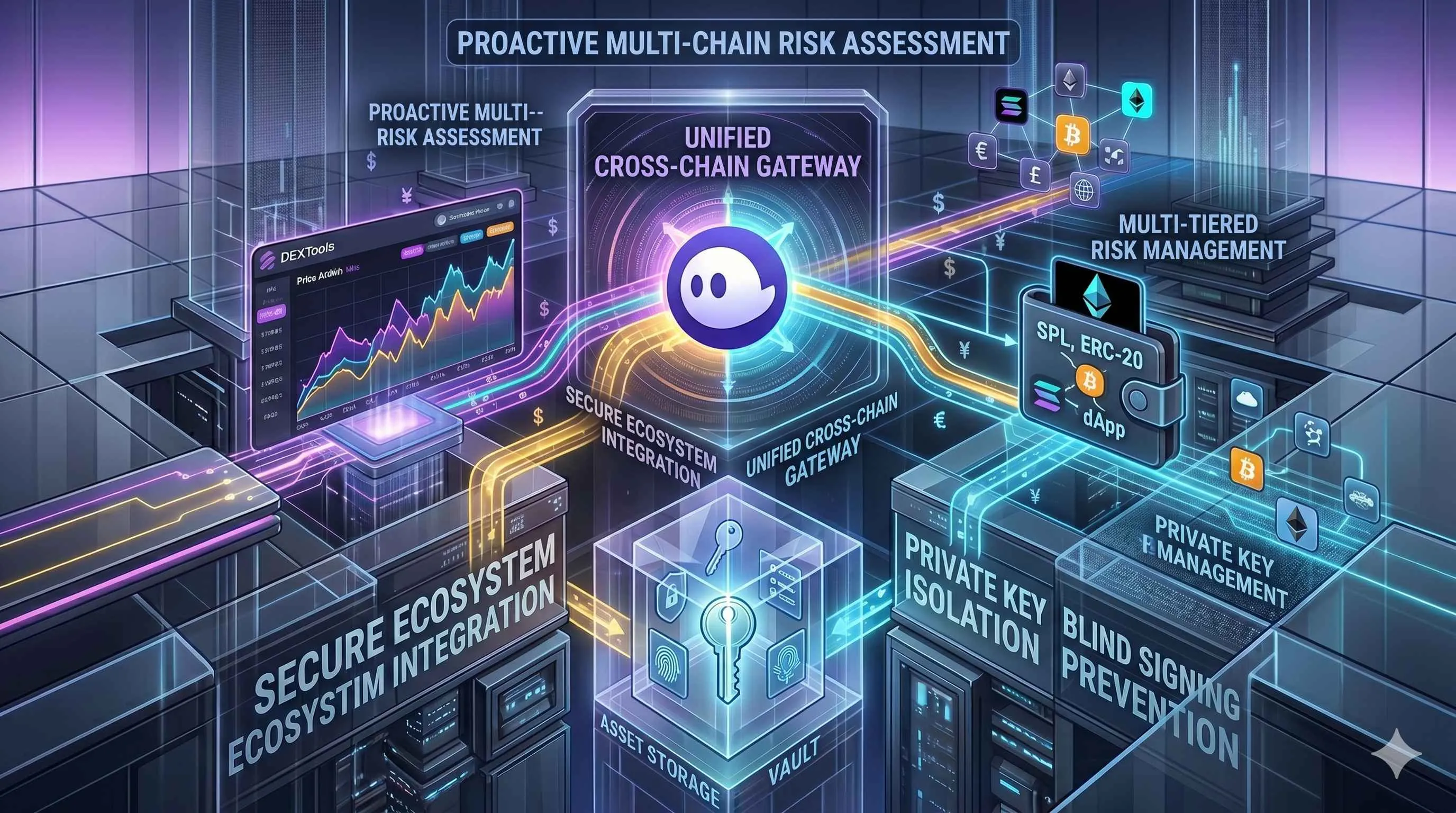
Conclusion: Mastering the Multi-Chain Workflow
Consolidating your on-chain operations into a single, multi-chain interface drastically reduces technical overhead and streamlines portfolio management. As shown throughout this Phantom Wallet Tutorial, the platform provides the necessary cryptographic agility to transition effortlessly between the high-speed ecosystem of Solana, the extensive DeFi applications of Ethereum, and the secure storage of Bitcoin.
However, operational simplicity must not lead to security complacency. By strictly enforcing offline seed phrase storage, closely scrutinizing transaction simulations, isolating significant capital within connected hardware wallets, and verifying every market metric on DEXTools before hitting confirm, you can exploit the full breadth of the cross-chain economy while maintaining a bulletproof security posture.
--
How to Bridge Crypto Between Chains: Complete Cross-Chain Tutorial 2026How to Use 1inch for Swaps: Classic, Fusion and Limit Orders (2026)
How to Use OKX Web3 Wallet: Multi-Chain DeFi Hub Guide (2026)
Disclaimer: This article is for informational purposes only and does not constitute investment advice, financial advice, trading advice, or any other kind of advice. DEXTools does not recommend buying, selling, or holding any cryptocurrency or token. Users should conduct their own research and consult with a qualified financial advisor before making any investment decisions. Cryptocurrency investments are volatile and high-risk. DEXTools is not responsible for any losses incurred.