The DEXTools Decision Log: Track Why You Entered, Waited or Walked Away
— By Whatsertrade in Tutorials
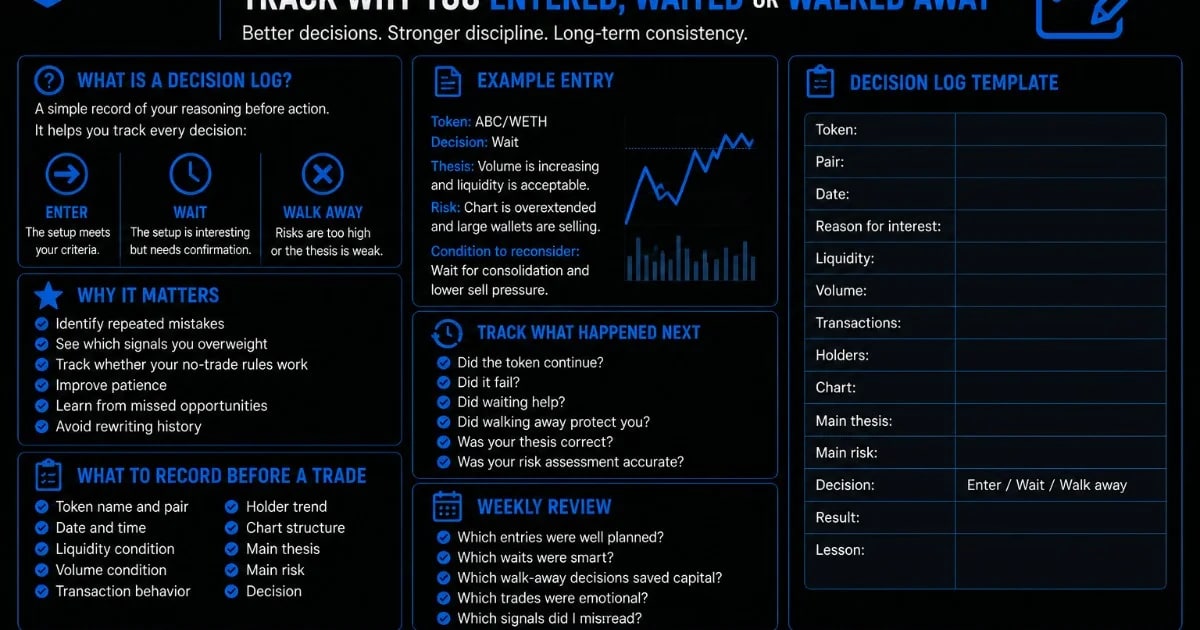
Learn how to build a DEXTools decision log to track why you entered, waited, or walked away from token setups before trading.
Most traders remember the trades they took. Fewer traders remember the trades they almost took, the setups they ignored, or the moments when they wisely walked away.
A DEXTools decision log helps traders track all of these choices.
Key Takeaways
- What Is a Decision Log?
- Why a Decision Log Matters
- What to Record Before a Trade
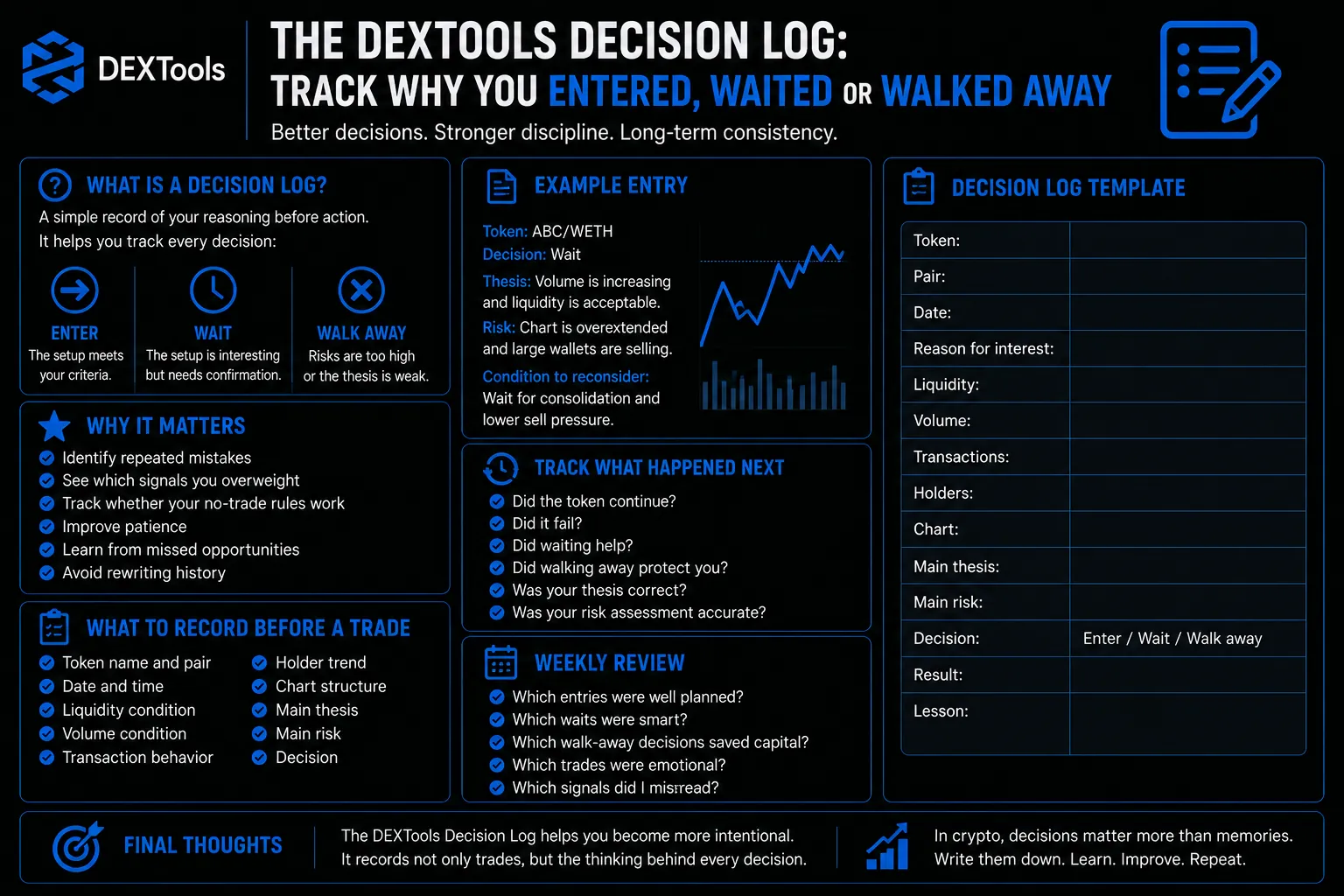
- The Three Decision Types
- Example Entry
- Track What Happened Next
The goal is not only to record trades. The goal is to record decisions. Every enter, wait, and walk-away decision teaches something.
What Is a Decision Log?
A decision log is a simple record of your reasoning before action.
It answers:
What token did I review?
What did the data show?
Why did I enter?
Why did I wait?
Why did I walk away?
What happened afterward?
Unlike a normal trading journal, a decision log includes non-trades. This is important because missed trades and avoided trades can teach as much as executed trades.
Why a Decision Log Matters
A decision log improves discipline because it forces you to explain your thinking.
It helps you:
Identify repeated mistakes.
See which signals you overweight.
Track whether your no-trade rules work.
Improve patience.
Learn from missed opportunities.
Avoid rewriting history.
Without a decision log, traders often remember outcomes but forget reasoning.
What to Record Before a Trade
Before entering a token, record:
Token name and pair.
Date and time.
Liquidity condition.
Volume condition.
Transaction behavior.
Holder trend.
Chart structure.
Main thesis.
Main risk.
Decision.
This can be done in a spreadsheet, notebook, or trading document.
The Three Decision Types
Your log should use three decision labels.
Enter: The setup meets your criteria.
Wait: The setup is interesting but needs confirmation.
Walk away: The risks are too high or the thesis is weak.
These labels make review easier. Over time, you can see which decisions were strongest.
Example Entry
Token: ABC/WETH
Decision: Wait
Thesis: Volume is increasing and liquidity is acceptable.
Risk: Chart is overextended and large wallets are selling.
Condition to reconsider: Wait for consolidation and lower sell pressure.
This type of note helps you avoid emotional re-entry later.
Track What Happened Next
After some time, return to the token and record the result.
Did the token continue?
Did it fail?
Did waiting help?
Did walking away protect you?
Was your thesis correct?
Was your risk assessment accurate?
The goal is not to judge yourself only by outcome. The goal is to improve the quality of your reasoning.
How to Review the Log Weekly
Once a week, review your decisions.
Ask:
Which entries were well planned?
Which waits were smart?
Which walk-away decisions saved capital?
Which trades were emotional?
Which signals did I misread?
This weekly review turns DEXTools research into long term learning.
The Decision Log Template
Use this simple format:
Token:
Pair:
Date:
Reason for interest:
Liquidity:
Volume:
Transactions:
Holders:
Chart:
Main risk:
Decision: Enter, wait, or walk away.
Result:
Lesson:
This structure is simple enough to use consistently.
Final Thoughts
The DEXTools Decision Log helps traders become more intentional. It records not only trades, but the thinking behind every decision.
By tracking why you entered, waited, or walked away, you can improve your research process and reduce emotional mistakes.
In crypto, decisions matter more than memories. Write them down.
When DEXTools Signals Disagree: How to Make Sense of Conflicting Token Data Post-Trade Review Using DEXTools: How to Learn From Failed Crypto Trades How to Review a Token Without Looking at Price First When Not to Trade: 12 Red Flags Every DeFi Trader Should Know